Let's Encrypt issue - Error 400

Ok, that’s the right IP and now it is serving the challenge:

❯ curl -ikL http://lwinfo.com.br/.well-known/acme-challenge/test
HTTP/1.1 200 OK
Server: nginx
Date: Sun, 06 Sep 2026 23:20:39 GMT
Content-Type: text/plain; charset=utf-8
Content-Length: 48
Connection: keep-alive

test.gMkTzuHZ-KDryiaslOfN6dQ6ncrdRqp_0RL9d27hQSM

Right now you should be able to get the certificate.

You were amazing!!! It’s truly 100% successful now. What exactly was going wrong? Does the panel display one thing but save something else in the configuration files? I couldn’t quite grasp the nature of the error. I’d like to fully understand it so I can handle the other 30 domains I need to set up on this server, hehehe. My sincere thanks for helping me resolve this issue. I’m about to start the arduous task of creating the accounts.

There are two configured IPs:

{
    "172.16.138.46": {
        "OWNER": "lwinfo",
        "STATUS": "shared",
        "NAME": "",
        "U_SYS_USERS": "lwinfo",
        "U_WEB_DOMAINS": "2",
        "INTERFACE": "enX0",
        "NETMASK": "255.255.255.252",
        "NAT": "177.86.106.251",
        "TIME": "23:10:48",
        "DATE": "2026-09-01"
        },
    "177.86.106.251": {
        "OWNER": "lwinfo",
        "STATUS": "shared",
        "NAME": "",
        "U_SYS_USERS": "",
        "U_WEB_DOMAINS": "0",
        "INTERFACE": "enX0",
        "NETMASK": "255.255.255.255",
        "NAT": "",
        "TIME": "23:10:52",
        "DATE": "2026-09-01"
        }
}

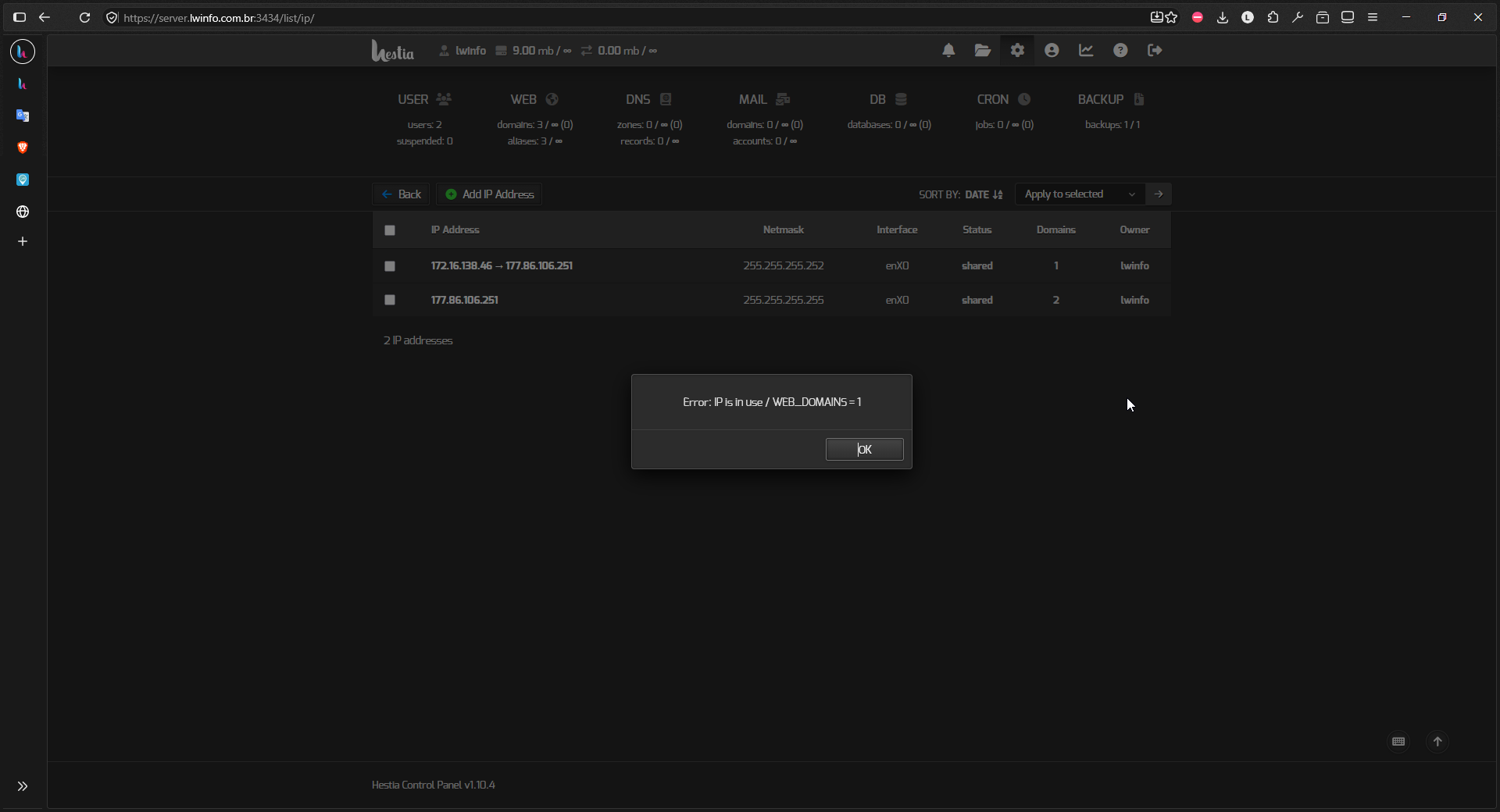
The problem is that the internal IP 172.16.138.46 is configured to use a NAT IP 177.86.106.251 and Hestia shows the NAT IP instead of the internal IP so you are seeing two identical IPs but one is actually the internal IP and the other one is the right external IP.

Maybe you should delete the internal IP to avoid confusion (Server settings → Configure → Network).

I’m going to do that right now to test it out and get an even better understanding of this matter. Many thanks for your help!

Everything is working perfectly!!! I just have to select the second value from the list of options provided, and the SSL is issued on the first try.

Error trying to remove IP from Hestia network configuration

You can’t remove the IP if it’s being used by a domain, and in this case one of your domains is still using it, you must edit that domain to change the IP.

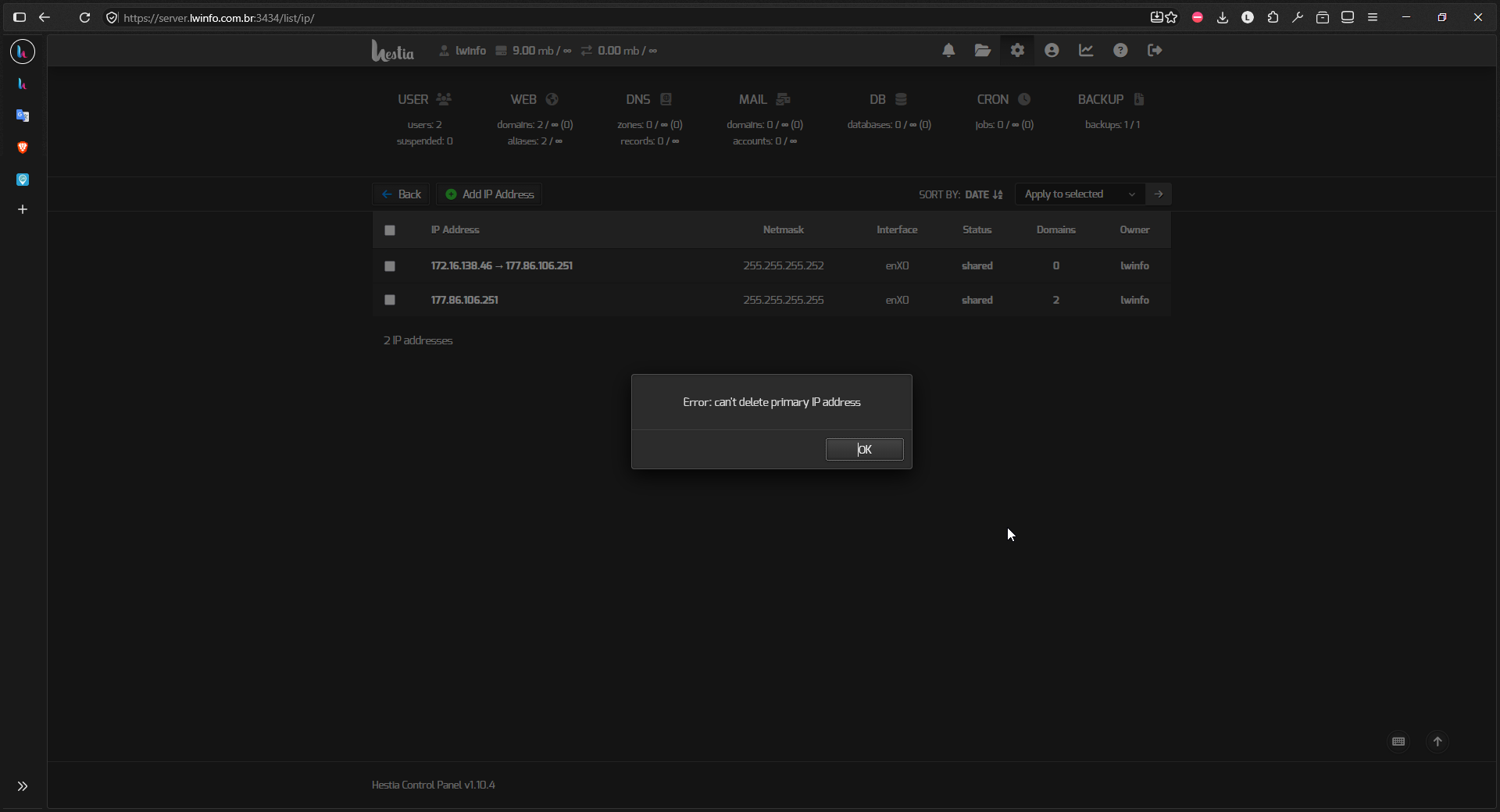
The error persists.

Hestia is doing this to detect the primary IP:

ip -4 -d -j addr show "$(ip -d -j route show | jq -r '.[] | if .dst == "default" then .dev else empty end')" | jq -r '.[].addr_info[] | if .scope == "global" then .local else empty end' | head -n1

So looks like Hestia is detecting the IP as the primary IP and can’t delete it.

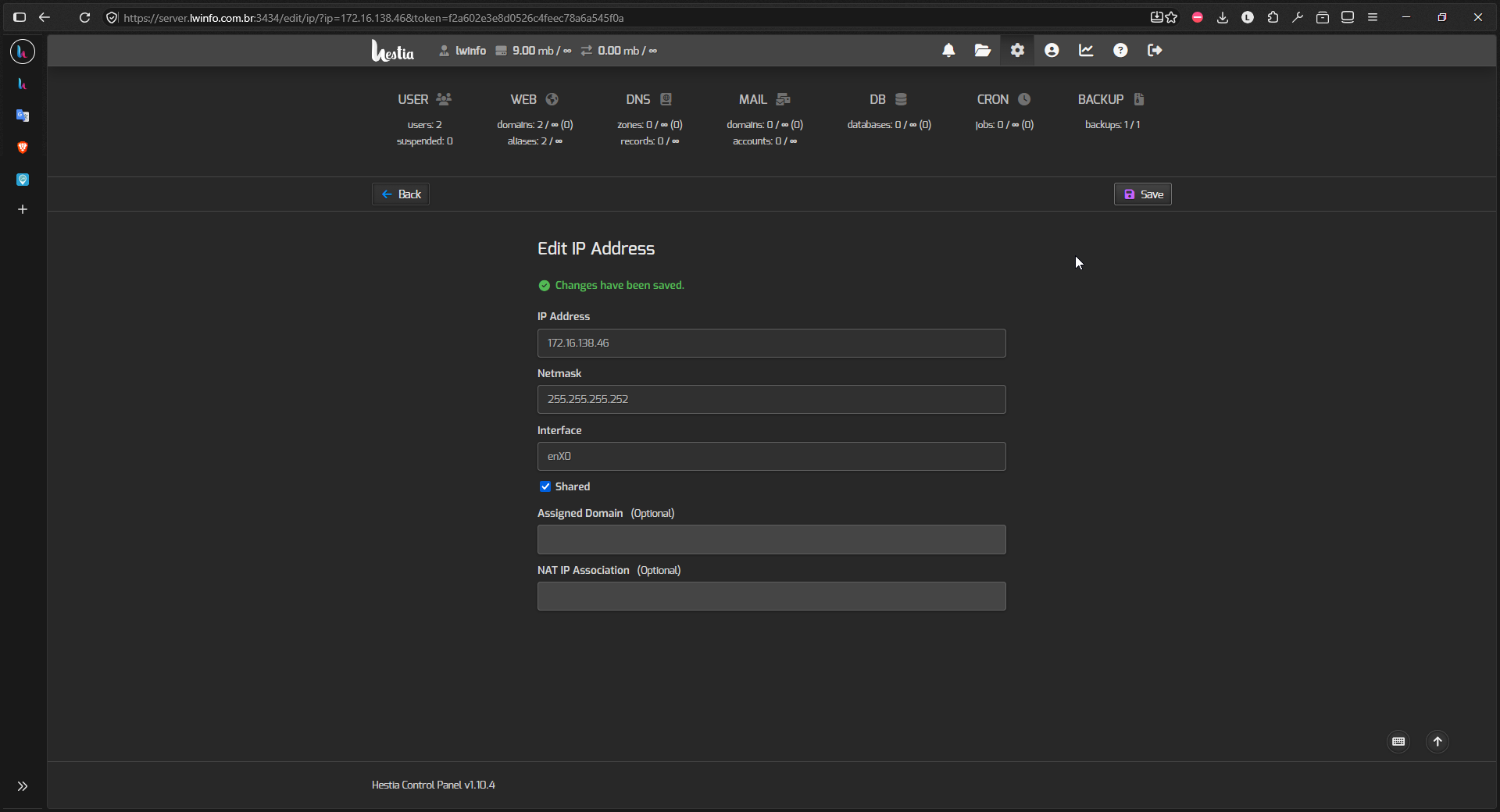
In the Network page, click on the IP to edit it and remove the external IP in the field NAT IP Association (Optional)

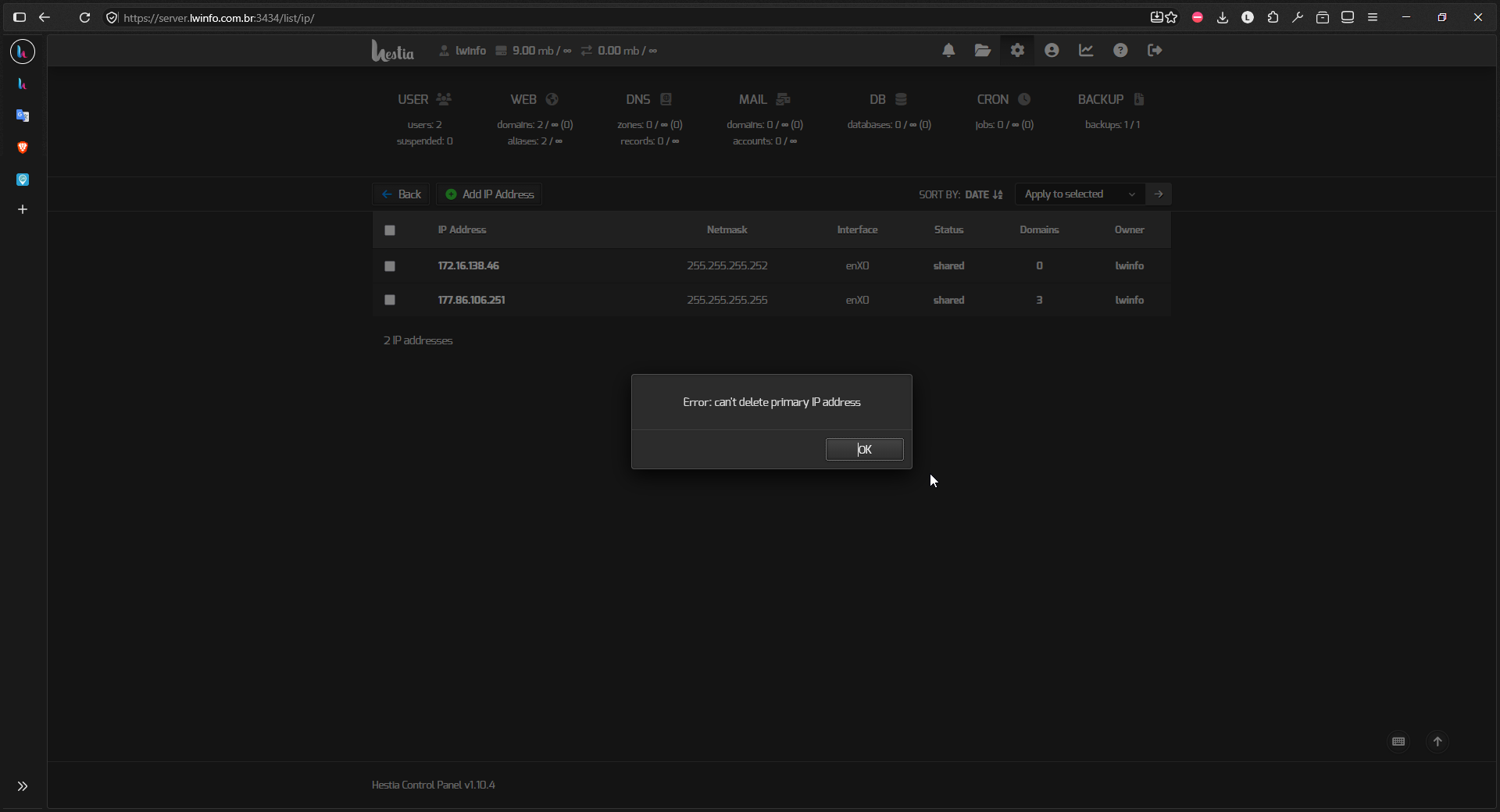
Maybe I didn’t explain it well. Removing the NAT IP doesn’t mean that you can delete it. You can’t. It’s just to avoid seeing two identical IPs. Now, when editing the web domains, you’ll see the two different IPs instead.

Ah, I see exactly what you mean! Could this be considered a minor bug? Or did I perhaps make a mistake in the configuration or setup within HestiaCP? Regardless, I’m able to set up my domains without any major issues. Thanks a lot for everything.----