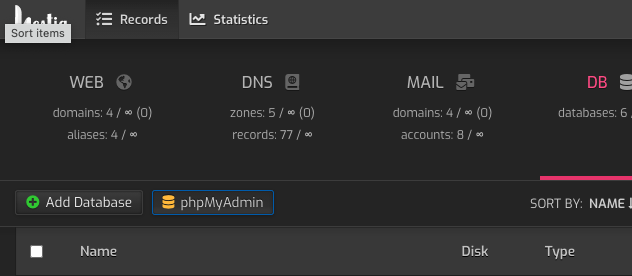
Okay, I upgrade to 1.4.2 successfully. And I noticed the same issue when trying to run the script with:
sh scriptname.sh, so I tried simply running with ./scriptname.sh. Which appeared to work, but then a different problem.
root@srv01:/usr/local/hestia/install/upgrade/manual# ./migrate_phpmyadmin.sh

For deleting PHPmyAdmin you will need confirm the removal with root password. Password can be found in /usr/local/hestia/conf/mysql.conf

Would you like to continue? [y/n]y

[ * ] Make backup old config files

[ * ] Remove PHPmyAdmin via ATP

phpmyadmin set on hold.

[ * ] Delete possible trail

[ * ] Create new folders

[ * ] Installing phpMyAdmin version v5.1.0...

tar (child): phpMyAdmin-5.1.0-all-languages.tar.gz: Cannot open: No such file or directory

tar (child): Error is not recoverable: exiting now

tar: Child returned status 2

tar: Error is not recoverable: exiting now

cp: cannot stat 'phpMyAdmin-5.1.0-all-languages/*': No such file or directory

sed: can't read /usr/share/phpmyadmin/libraries/vendor_config.php: No such file or directory

sed: can't read /usr/share/phpmyadmin/libraries/vendor_config.php: No such file or directory

[ * ] Createing localhost config

[ * ] Drop database could throw a error if successfull removal was preformed

[ * ] Create new user

[ * ] Create new database

root@srv01:/usr/local/hestia/install/upgrade/manual#
So it appears this is not working.
Also, attempting to access phpmydmin from the HestiaCP link results in this: