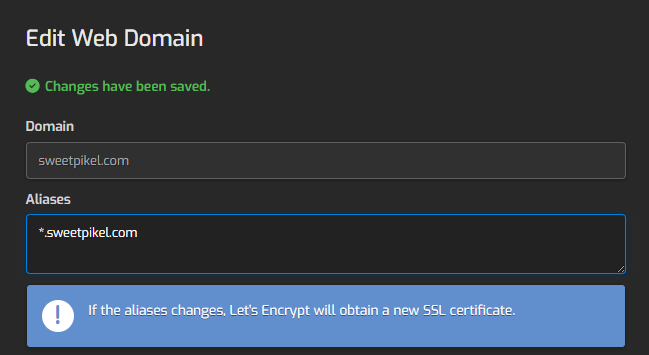
It may take a few times, usually 2 for some reason, for the certificate to be created. You may see a warning about the _acme-challenge not found. Try it again until you get the certificate installed.
The Domain Dashboard should look like this, indicating a wildcard certificate is installed:
When you create email accounts, be sure to open the SSL ports on your router, 465 and 993. Also the mail domain is mail.domain.com and not imap. nor smtp.
Hestia doesn’t support using other DNS providers to issue wildcard certificates. This means you can’t issue a wildcard certificate by validating it through AWS Route 53. You can only issue a wildcard certificate if Hestia is managing DNS for your domains.
No, that indicates that you have a domain sweetpikel.com and an alias *.sweetpikel.com, that’s all.
Right know your web domain is serving the certificate valid for sweetpikel.com and www.sweetpikel.com
Right now you are not even using a valid certificate for mail.sweetpikel.com neither for smtp nor imap, the certificate is only valid for your server’s hostname libra.punkasskingdom.net