In the user, I deleted the domain, because I forgot to install WordPress for the alias(www. version).
After deleting it, I added the domain, and use Quick Install to install WordPress again.
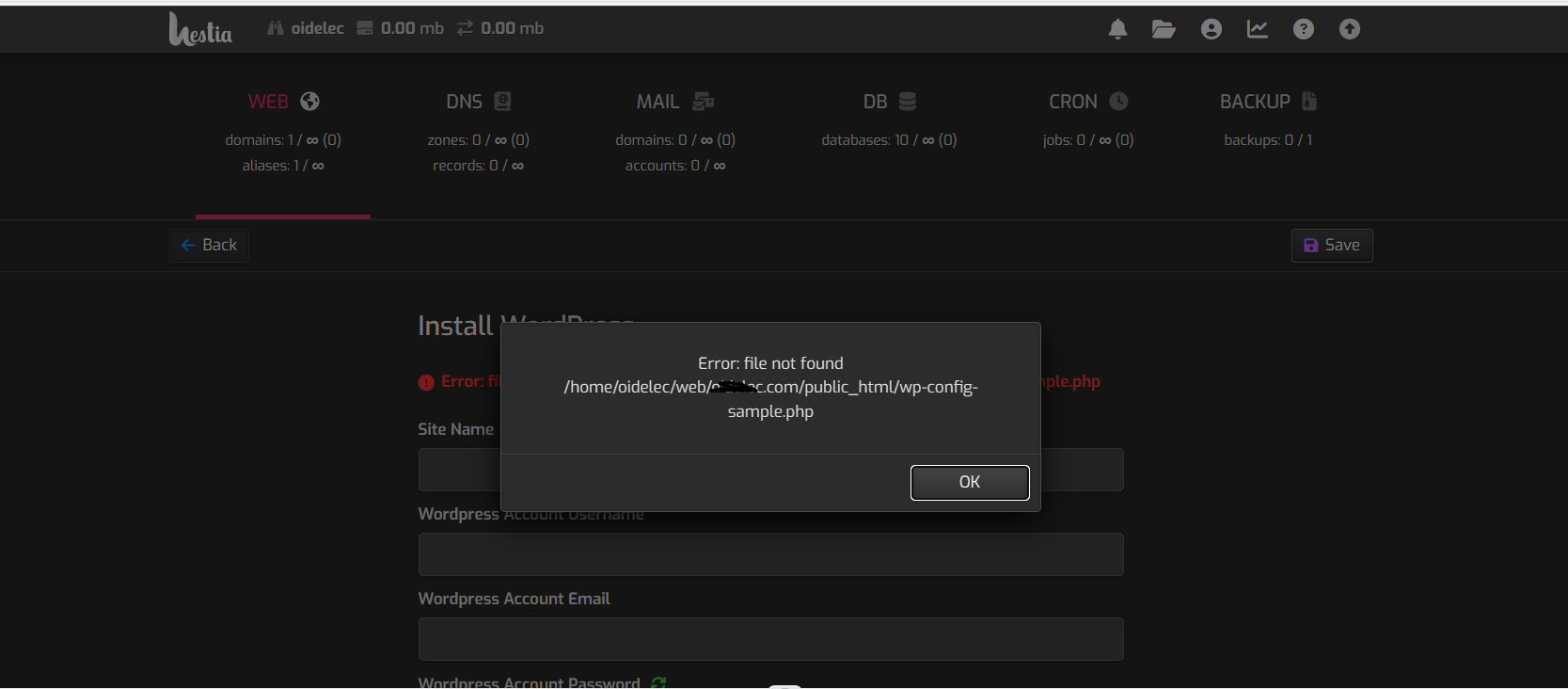
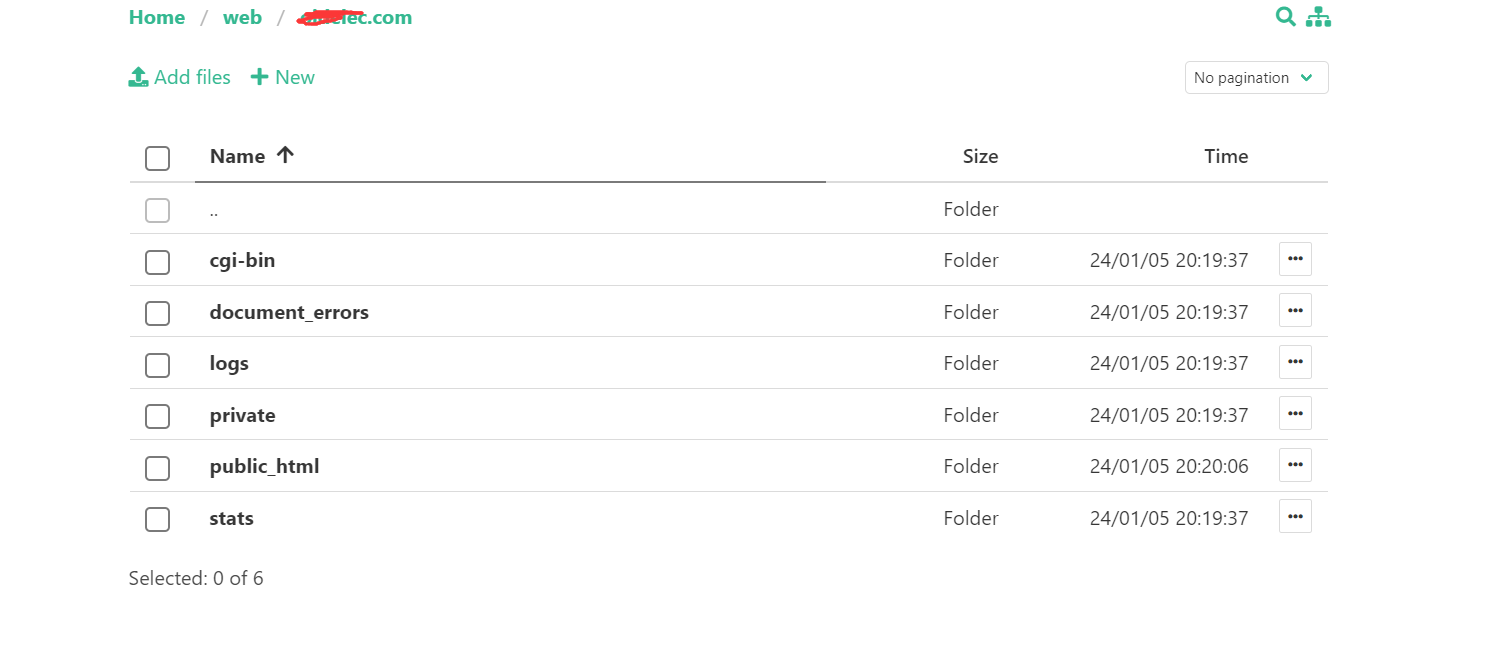
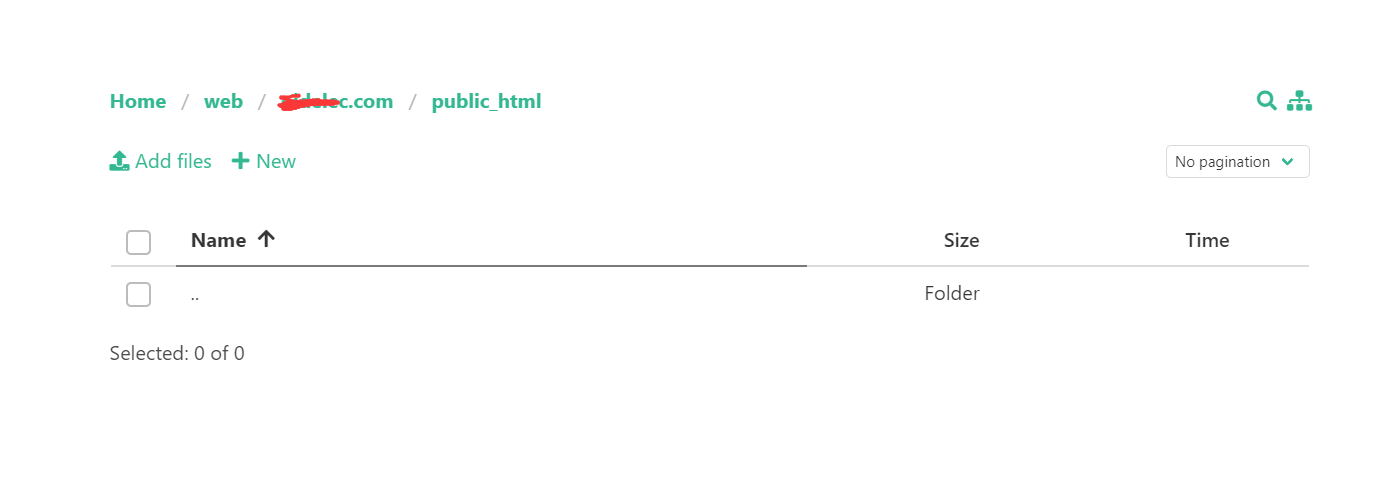
This time it returned the following error: file not found …/public_html/wp-config-sample.php
I have the same problem
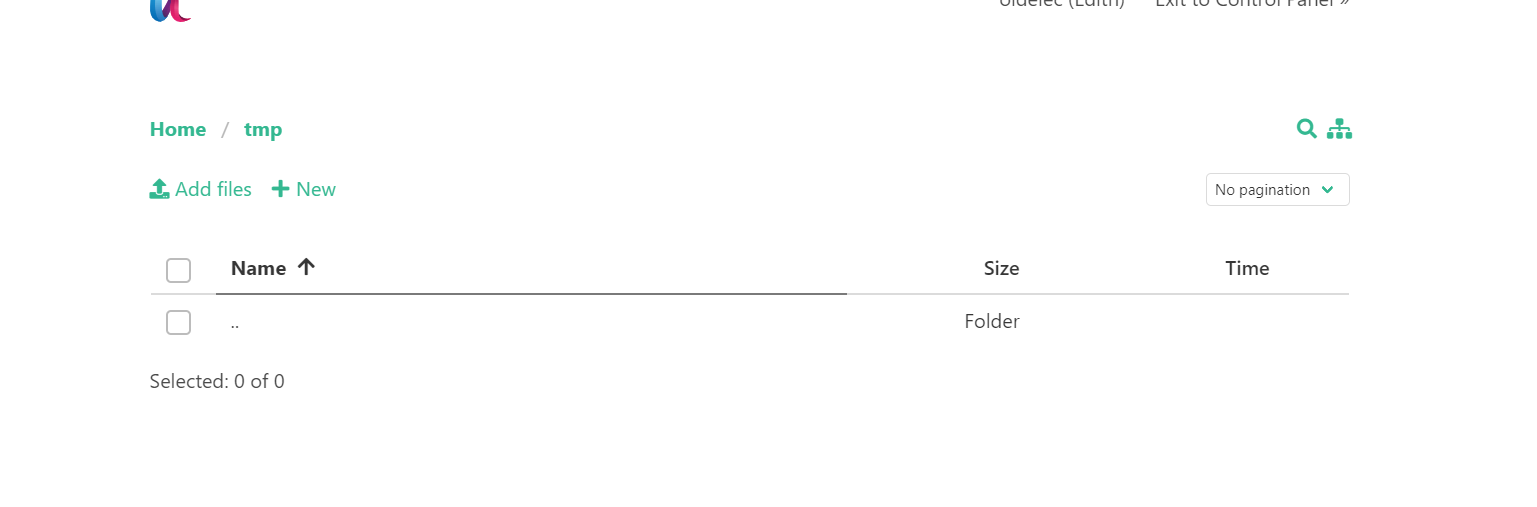
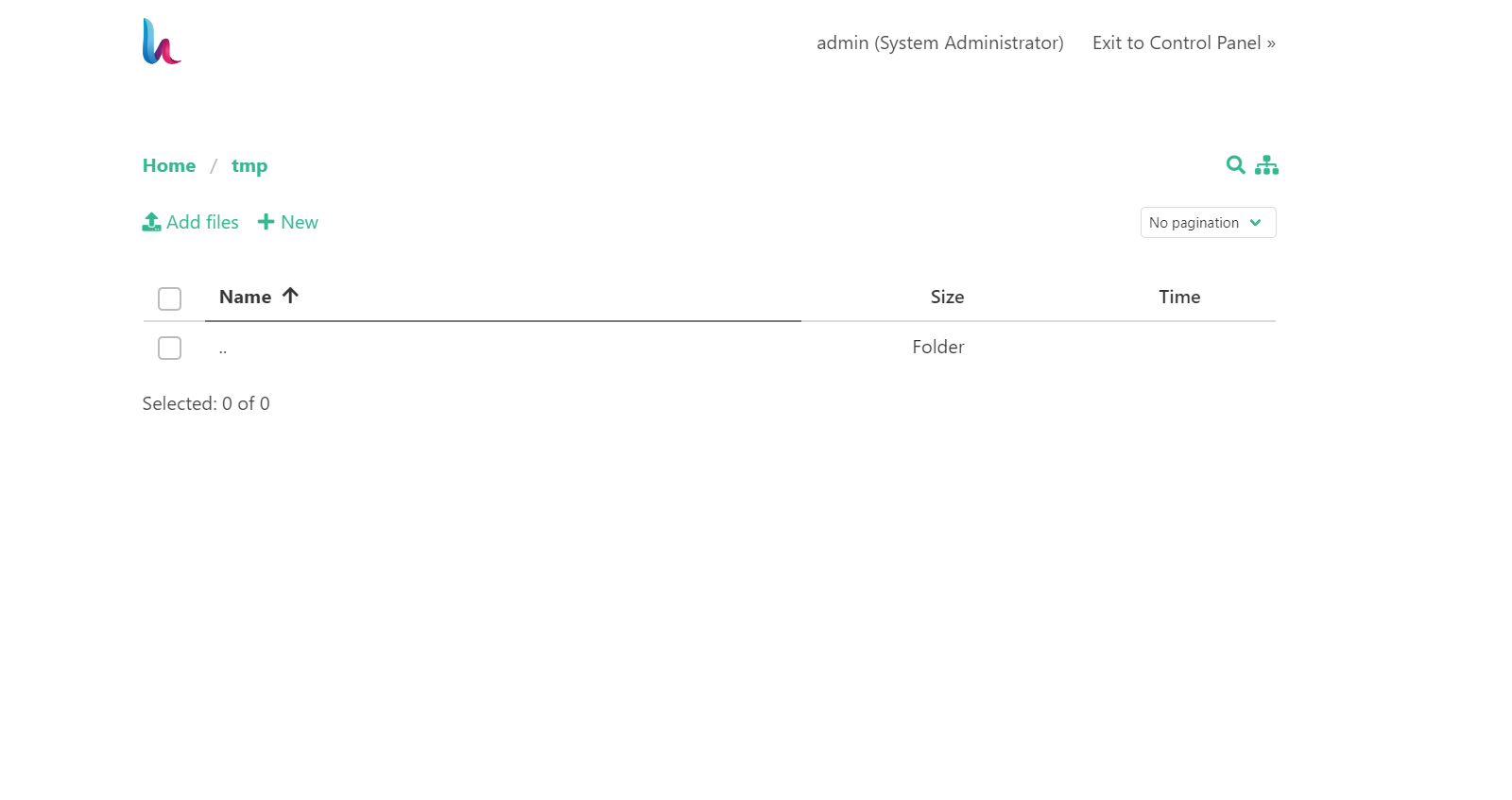
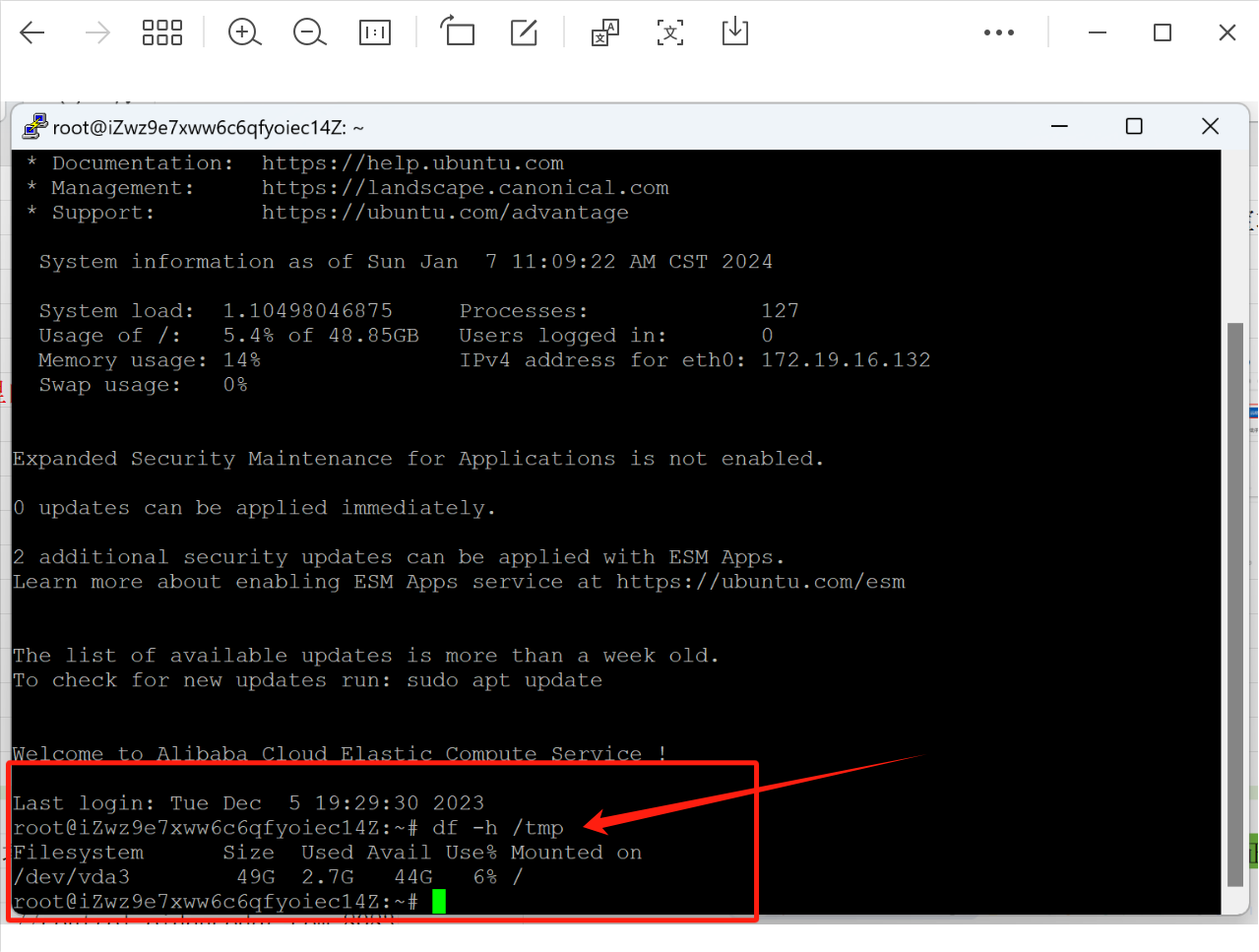
It’s not an issue of space in the /tmp directory, nor in /home/myuser/tmp.
I’ve studied the PHP installation files quite “deeply”:
but I couldn’t find the reason for the problem. I even tried changing the permissions (to 777) of the /tmp/hestia-webapp/ directory, but I can never get the file downloaded:
https://wordpress.org/latest.tar.gz
It’s likely that the installer removes the downloaded file if the installation process must be interrupted, who knows…
I will now install WordPress manually, but I wanted to help solve this uncomfortable situation for others in the future. I suspect that the cause must be a really silly detail.
For those of you who have more experience than me, I must add that the “only” unusual thing in my installation is that the domain is actually a subdomain. Indeed, more info: the interruption of the install happens quite quickly… 5 seconds? So, I suppose that the problem is at the beginning… maybe a user/permissions issue.
Please, give me ideas i can attempt installing WP again in a new subdomain if you consider that it can be useful for HestiaCP installer improvement and you help me to do it. Indeed, i’m on UTC-7.

 i can attempt installing WP again in a new subdomain if you consider that it can be useful for HestiaCP installer improvement and you help me to do it. Indeed, i’m on UTC-7.