I’m suddenly unable to access my Hestia panel: the sites are working, but I can’t log in to the panel: ERR_CONNECTION_TIMED_OUT. It was working perfectly since February 25, 2025. I’ve already tried: “sudo reboot”, “sudo systemctl restart hestia”, restarting the server, and sudo systemctl status hestia says that the service is active and running. Some help?
Maybe you have blocked yourself:
v-list-firewall-ban | grep HESTIA
If you don’t see your IP in the list, show the output of these commands:
systemctl status hestia --no-pager -l
netstat -tnap | grep nginx
iptables -S
firewall clean
root@panel:~# systemctl status hestia --no-pager -l
● hestia.service - LSB: starts the hestia control panel
     Loaded: loaded (/etc/init.d/hestia; generated)
     Active: active (running) since Wed 2026-07-15 09:34:06 -03; 19min ago
       Docs: man:systemd-sysv-generator(8)
    Process: 759 ExecStart=/etc/init.d/hestia start (code=exited, status=0/SUCCESS)
      Tasks: 3 (limit: 4529)
     Memory: 25.2M
        CPU: 100ms
     CGroup: /system.slice/hestia.service
             ├─868 "nginx: master process /usr/local/hestia/nginx/sbin/hestia-nginx"
             ├─869 "nginx: worker process" "" "" "" "" "" "" "" "" "" "" "" "" "" "" "" "" "" "" "" ""
             └─891 "php-fpm: master process (/usr/local/hestia/php/etc/php-fpm.conf)"

Jul 15 09:34:05 panel.raitnaudigital.cloud systemd[1]: Starting LSB: starts the hestia control panel...
Jul 15 09:34:05 panel.raitnaudigital.cloud hestia[759]:  * Starting hestia-nginx hestia-nginx
Jul 15 09:34:05 panel.raitnaudigital.cloud hestia[759]:    ...done.
Jul 15 09:34:05 panel.raitnaudigital.cloud hestia[759]:  * Starting hestia-php hestia-php
Jul 15 09:34:06 panel.raitnaudigital.cloud hestia[759]:    ...done.
Jul 15 09:34:06 panel.raitnaudigital.cloud systemd[1]: Started LSB: starts the hestia control panel.
root@panel:~# netstat -tnap | grep nginx
tcp        0      0 0.0.0.0:8083            0.0.0.0:*               LISTEN      868/nginx: master p
tcp        0      0 65.21.150.249:80        0.0.0.0:*               LISTEN      1048/nginx: master
tcp        0      0 65.21.150.249:443       0.0.0.0:*               LISTEN      1048/nginx: master
tcp        0      0 127.0.0.1:8084          0.0.0.0:*               LISTEN      1048/nginx: master
tcp        0      0 65.21.150.249:443       172.70.92.233:9547      ESTABLISHED 1049/nginx: worker
tcp        0      0 65.21.150.249:443       172.69.166.82:11138     ESTABLISHED 1049/nginx: worker
tcp        0      0 65.21.150.249:443       104.22.66.33:12464      ESTABLISHED 1049/nginx: worker
tcp        0      0 65.21.150.249:443       172.69.176.140:10245    ESTABLISHED 1049/nginx: worker
tcp6       0      0 :::8083                 :::*                    LISTEN      868/nginx: master p
root@panel:~# iptables -S
-P INPUT DROP
-P FORWARD ACCEPT
-P OUTPUT ACCEPT
-N fail2ban-FTP
-N fail2ban-HESTIA
-N fail2ban-MAIL
-N fail2ban-RECIDIVE
-N fail2ban-SSH
-N fail2ban-WEB
-N hestia
-A INPUT -p tcp -m multiport --dports 80,443 -j fail2ban-WEB
-A INPUT -p tcp -m tcp --dport 8083 -j fail2ban-HESTIA
-A INPUT -p tcp -m multiport --dports 25,465,587,110,995,143,993 -j fail2ban-MAIL
-A INPUT -p tcp -m tcp --dport 21 -j fail2ban-FTP
-A INPUT -p tcp -m tcp --dport 22 -j fail2ban-SSH
-A INPUT -p tcp -m multiport --dports 1:65535 -j fail2ban-RECIDIVE
-A INPUT -m state --state RELATED,ESTABLISHED -j ACCEPT
-A INPUT -s 65.21.150.249/32 -j ACCEPT
-A INPUT -s 127.0.0.1/32 -j ACCEPT
-A INPUT -p tcp -m tcp --dport 22 -j ACCEPT
-A INPUT -p tcp -m multiport --dports 80,443 -j ACCEPT
-A INPUT -p tcp -m multiport --dports 21,12000:12100 -j ACCEPT
-A INPUT -p udp -m udp --dport 53 -j ACCEPT
-A INPUT -p tcp -m tcp --dport 53 -j ACCEPT
-A INPUT -p tcp -m multiport --dports 25,465,587 -j ACCEPT
-A INPUT -p tcp -m multiport --dports 110,995 -j ACCEPT
-A INPUT -p tcp -m multiport --dports 143,993 -j ACCEPT
-A INPUT -p tcp -m tcp --dport 8083 -j ACCEPT
-A INPUT -p icmp -j ACCEPT
-A fail2ban-FTP -j RETURN
-A fail2ban-HESTIA -j RETURN
-A fail2ban-MAIL -j RETURN
-A fail2ban-RECIDIVE -s 101.47.159.50/32 -j REJECT --reject-with icmp-port-unreachable
-A fail2ban-RECIDIVE -s 101.47.14.46/32 -j REJECT --reject-with icmp-port-unreachable
-A fail2ban-RECIDIVE -j RETURN
-A fail2ban-SSH -s 195.178.110.30/32 -j REJECT --reject-with icmp-port-unreachable
-A fail2ban-SSH -s 45.148.10.240/32 -j REJECT --reject-with icmp-port-unreachable
-A fail2ban-SSH -j RETURN
-A fail2ban-WEB -j RETURN
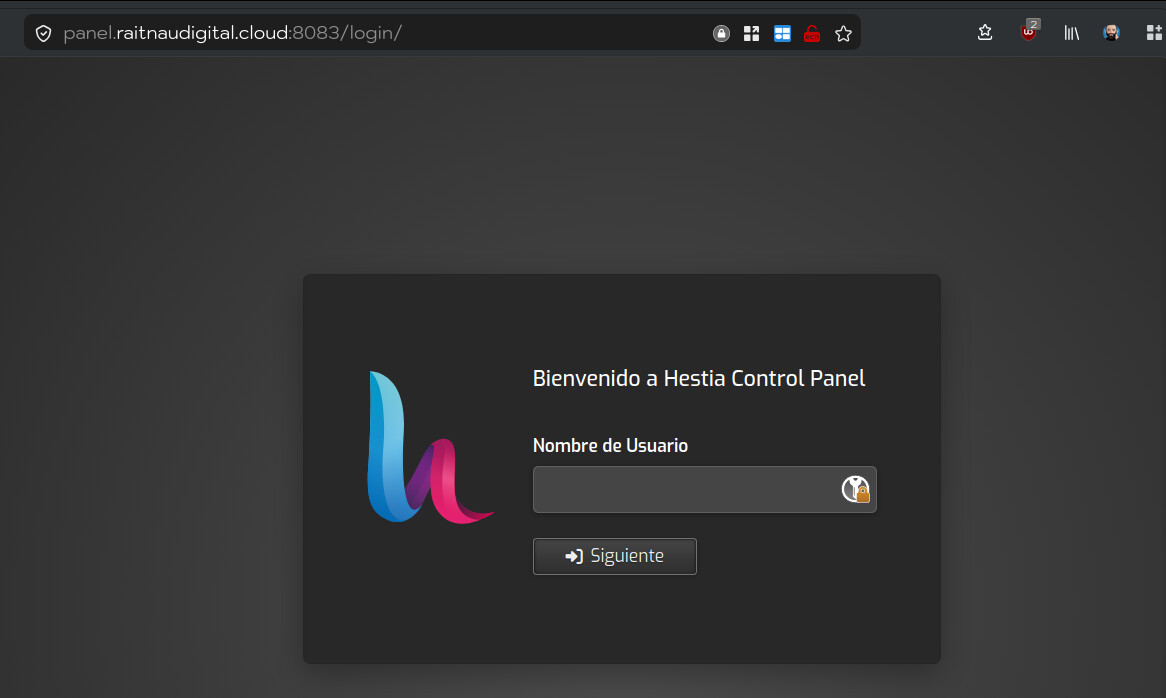
Since when? It’s always worked this way. Is something new?
No, Cloudflare never supported port 8083. I don’t really know how did you configure it…
Thank you Sahsanu, you’re a master genius.