Change root of additional ftp

Hello, We created an additional account ftp “ftp_user_name”. When we connect to FTP via an FTP client, the associated root is /home/{ftp_user_name}. Is there a way to directly access public_html when connecting with an FTP client, and not /home/{ftp_user_name}?
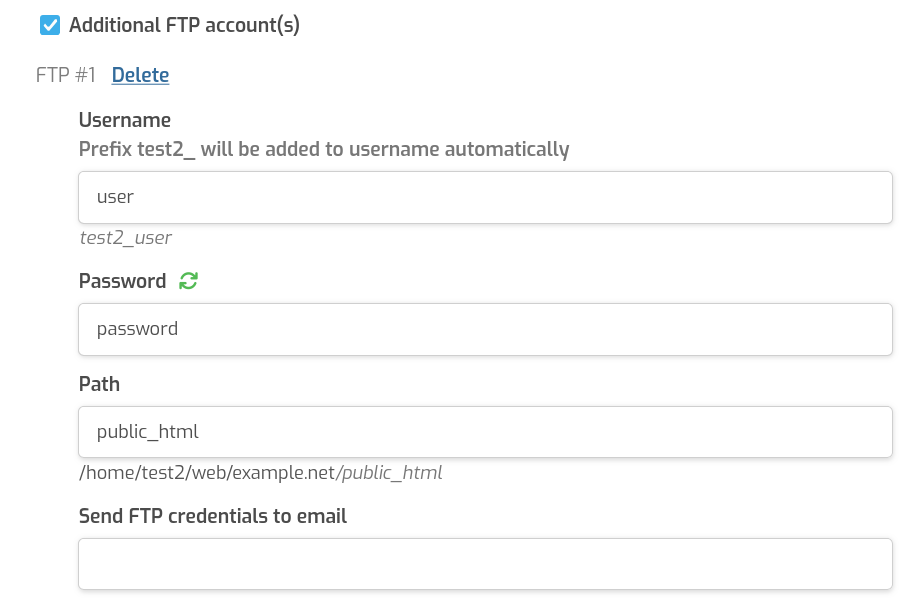
How and where can we make this change?

Thanks

1 Like

Hi,

By default you can’t because Hestia configures vsftpd like this:

allow_writeable_chroot=NO
local_root=/srv/jail/%u
user_sub_token=%u

/srv/jail/ is managed by bubblewrap (a robust way to manage chroot) so if you don’t mind to lose that, you can edit /etc/vsftpd.conf and:

Change:

allow_writeable_chroot=NO

to:

allow_writeable_chroot=YES

And remove these lines:

local_root=/srv/jail/%u
user_sub_token=%u

After that restart vsftpd:

systemctl restart vsftpd

From now on, the users will connect to the defined home for that user. For your additional ftp account you should configure the path like this:

2 Likes