Hello,
We currently manage around 10 VPS servers running HestiaCP on Debian 12.
For the past 2–3 years, we have been experiencing a recurring issue after HestiaCP automatic updates.
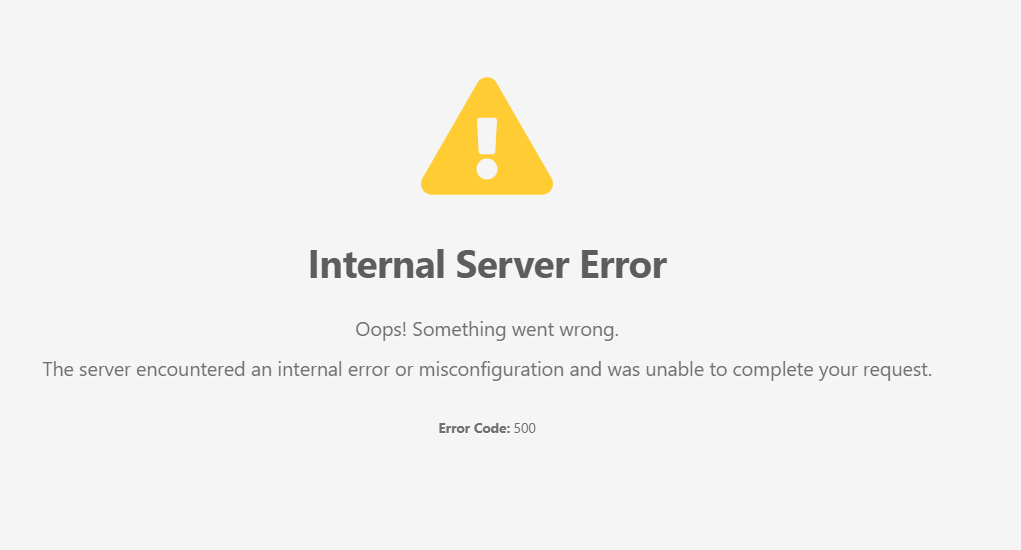
After an update, the websites hosted on the server continue to work normally, but when we try to access the HestiaCP panel on port 8083, we receive an “Internal Server Error (500)” page and cannot log in to the control panel.
The error page displays the following message:
“An internal server error has occurred. Please contact the administrator.”
A screenshot of the error page is attached below.
In the past, we would simply reboot the VPS to restore access to the HestiaCP panel. After the reboot, everything would return to normal and the panel would become accessible again.
However, after the most recent update, rebooting the VPS has caused a much more serious problem on several servers.
The sequence of events is:
-
HestiaCP updates automatically.
-
Websites continue to work normally.
-
Accessing the HestiaCP panel on port 8083 results in a “500 Internal Server Error”.
-
Since we cannot access the panel, we reboot the VPS.
-
After the reboot, the VPS becomes completely unreachable.
After the reboot:
-
HestiaCP is inaccessible.
-
SSH is unavailable.
-
The server IP does not respond.
-
Ping fails completely.
-
The VPS appears to be completely offline.
This has already happened on 3–4 VPS servers after the latest update.
All affected servers are running Debian 12.
Has anyone experienced a similar issue or have any suggestions on what could be causing this behavior?
Thank you.
Screenshot of the error page attached below.
Unfortunately, because the VPS becomes completely unreachable after rebooting, we are unable to collect logs from the affected servers.