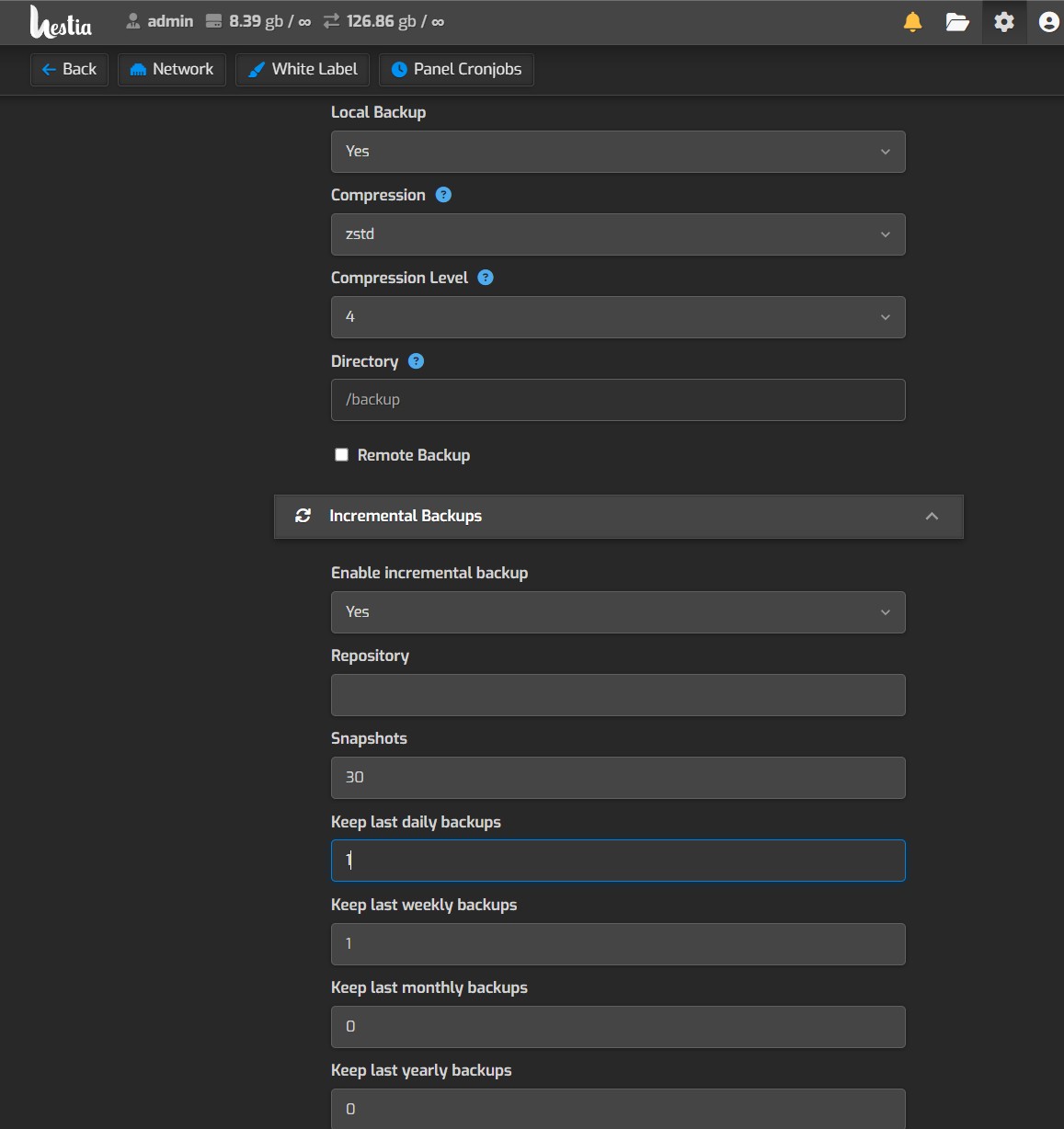
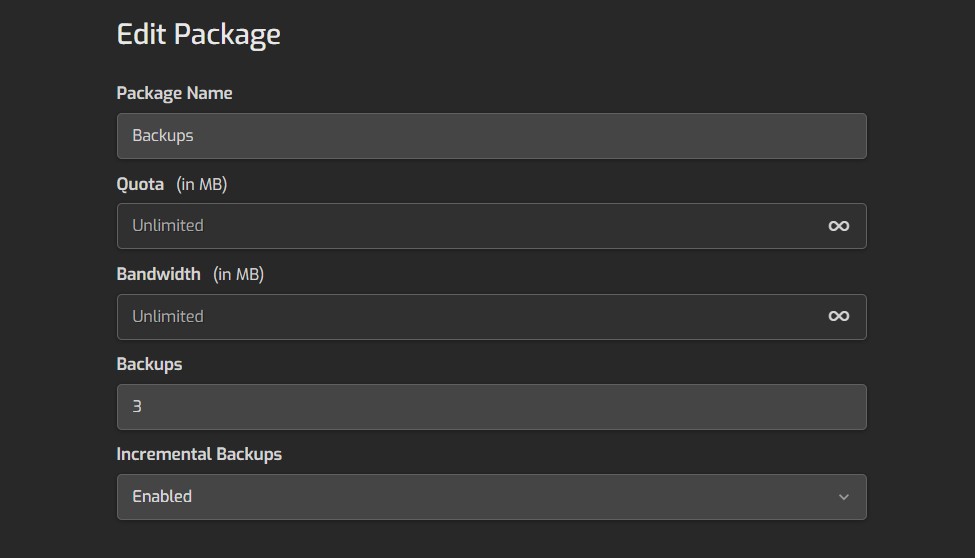
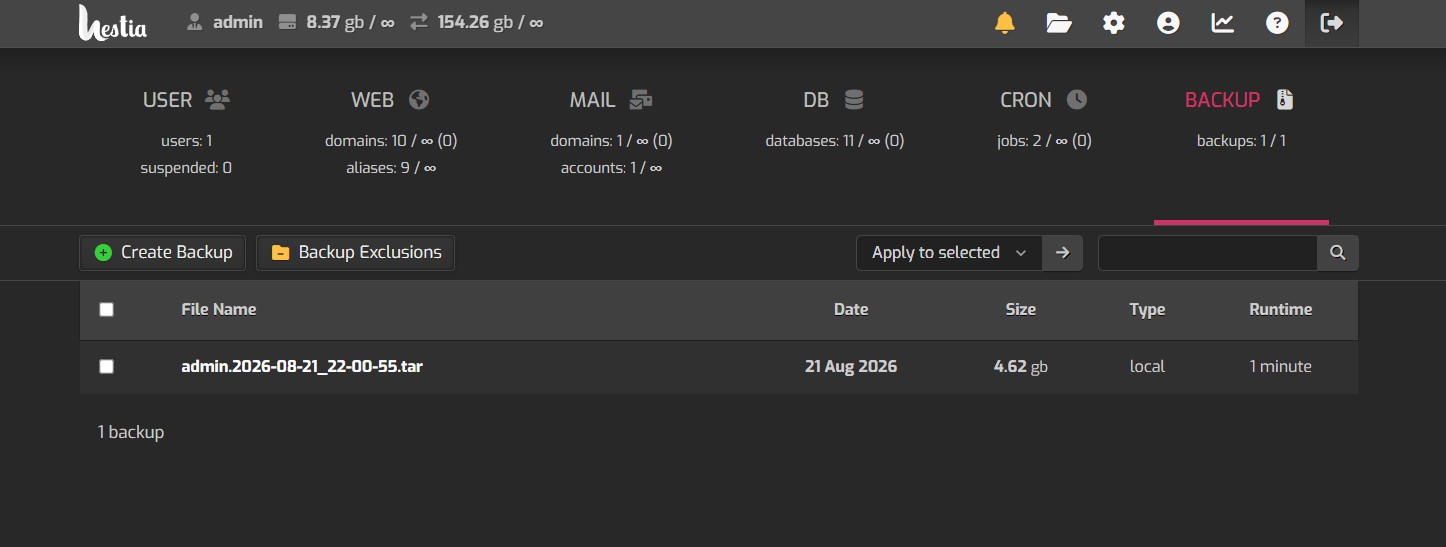
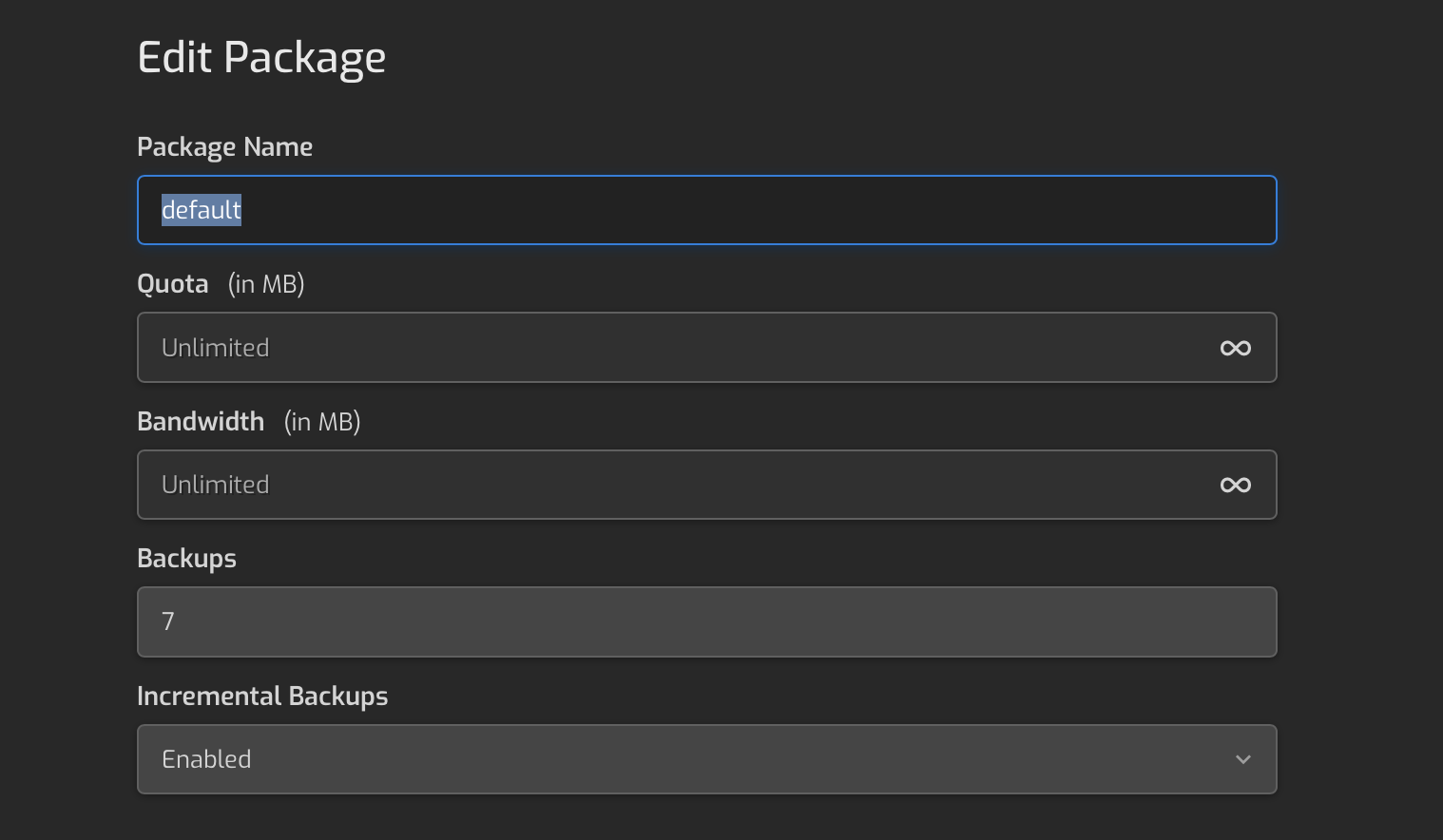
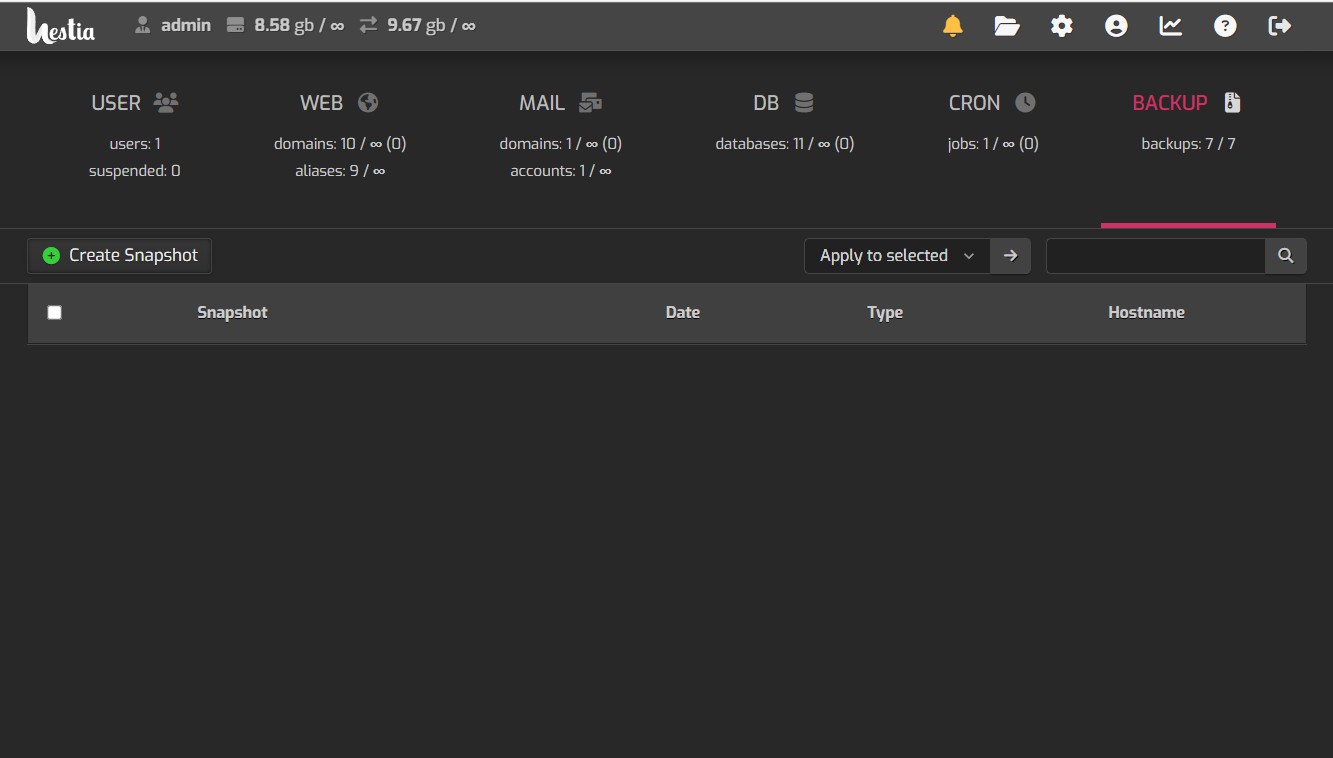
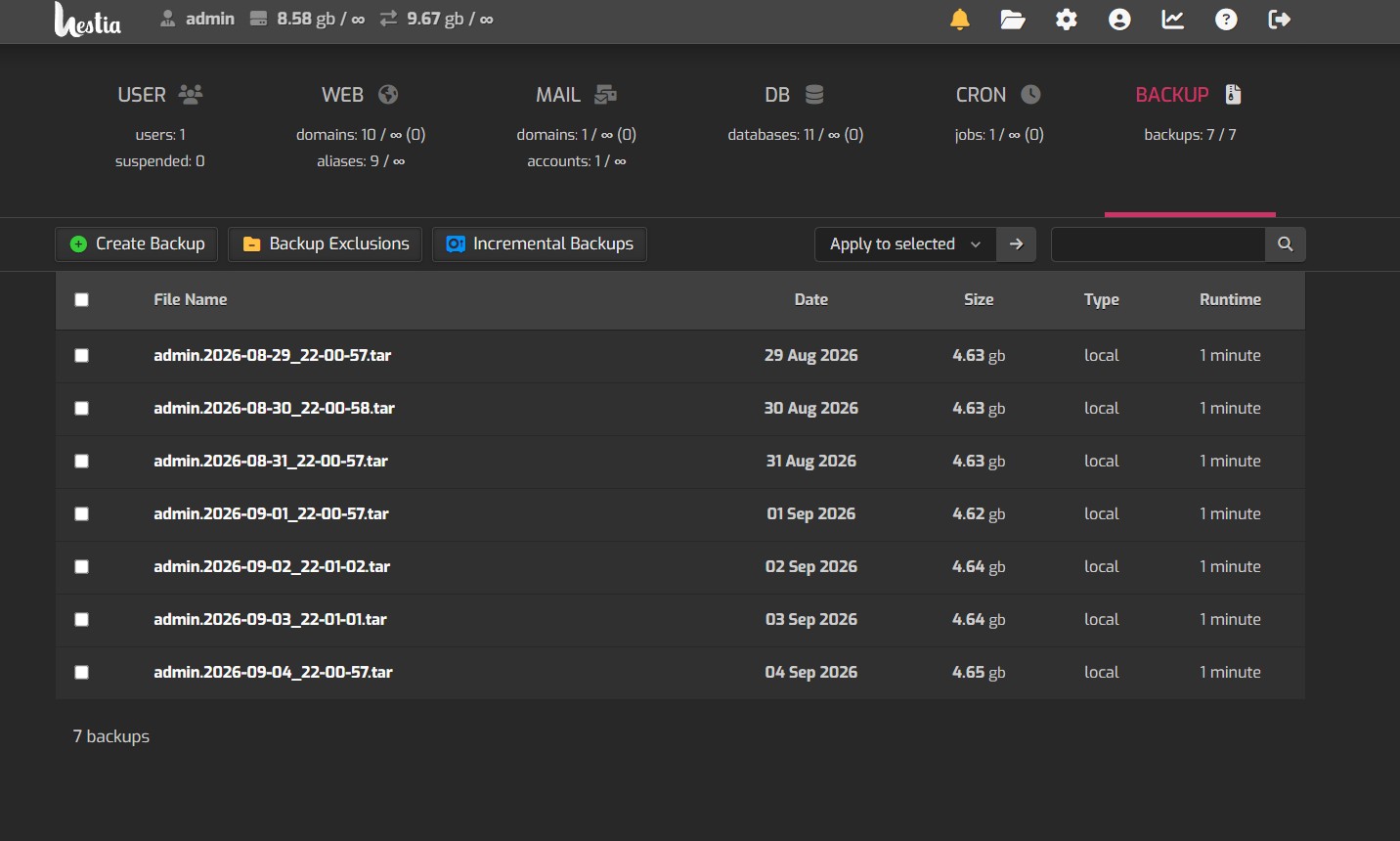
AI asked me to upload that picture and said it would help me figure it out and it did This is what it answered. Does this look right.
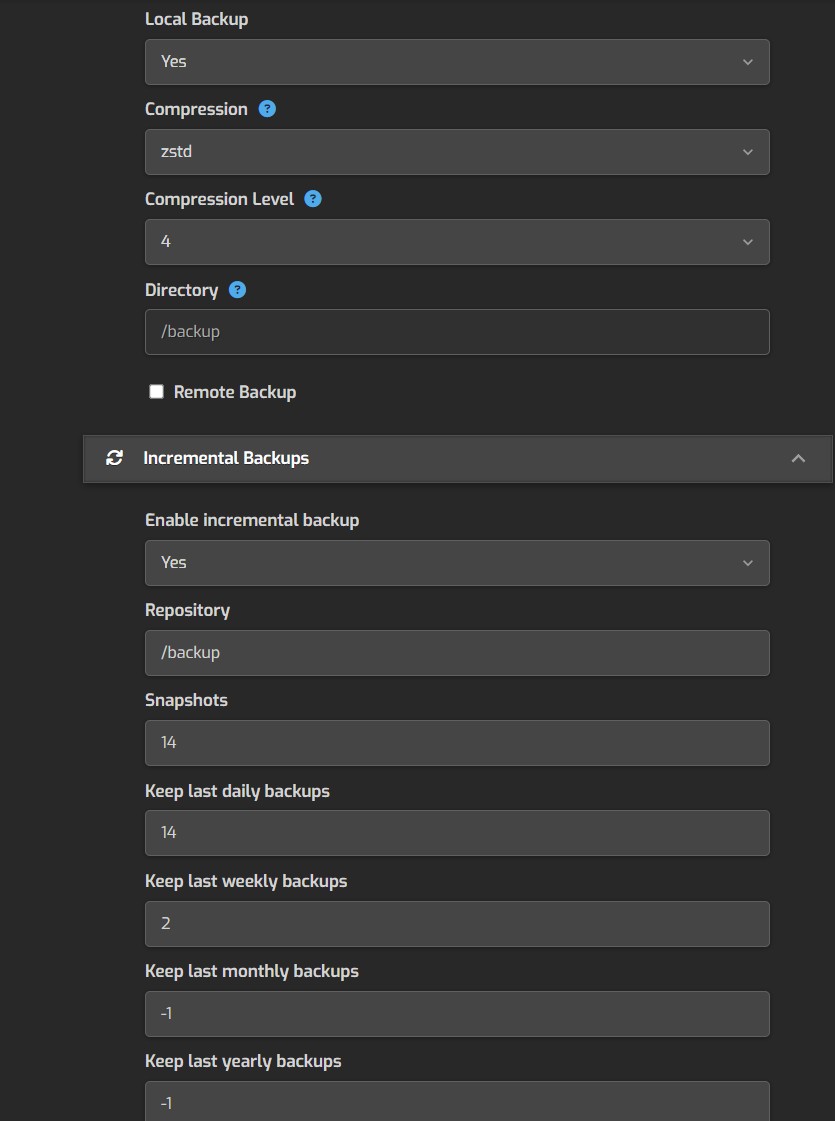
Yes. This is HestiaCP’s newer incremental backup system using Restic, and the terminology is a little confusing. Hestia’s documentation confirms that incremental backups use a Restic repository and separate retention values for snapshots/daily/weekly/monthly/yearly backups.
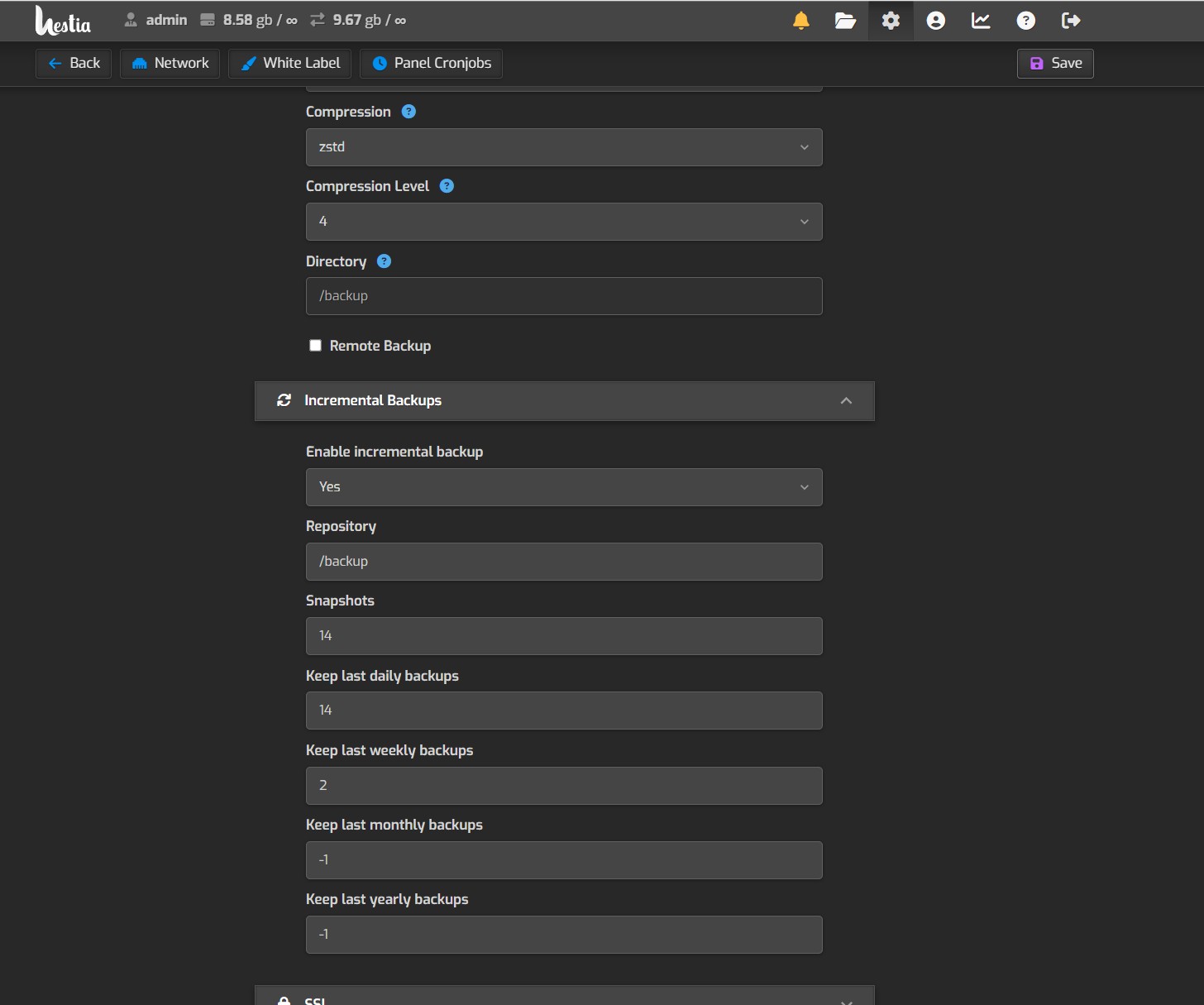
For what you described — backup every day, keep about two weeks, with weekly recovery points — I would configure the section in your screenshot roughly like this:
| Setting |
Recommended |
Meaning |
| Enable incremental backup |
Yes |
Turns on Restic incremental backups |
| Repository |
/backup/restic* |
Where the Restic repository is stored |
| Snapshots |
14 |
Keep the most recent 14 snapshots |
| Keep last daily backups |
14 |
Keep daily restore points for 14 days |
| Keep last weekly backups |
2 |
Keep 2 weekly restore points |
| Keep last monthly backups |
-1 |
Don’t retain additional monthly points |
| Keep last yearly backups |
-1 |
Don’t retain additional yearly points |
*The exact Repository value is the one thing I would verify before entering anything, because Hestia supports local and remote Restic repositories and its configuration depends on where you want these incremental backups stored.
The important part: this isn’t traditional Full → Incremental → Incremental
With Restic, you don’t really need to think of it as:
Sunday: FULL
Monday: Incremental
Tuesday: Incremental
Wednesday: Incremental…
Each Restic run creates a complete restore-point snapshot, but it only stores new/changed data because Restic deduplicates the underlying data. So every day’s snapshot behaves like a full backup when you restore it, without storing another complete copy of everything.
So I would not try to force a weekly full backup inside this Incremental Backups section.
What “Snapshots” means
This is the overall keep-last count.
For example, if the backup runs once every night:
Snapshots = 14
means you’re telling Restic to preserve the most recent 14 snapshots.
The Daily/Weekly/Monthly/Yearly fields are additional retention rules. A snapshot can qualify under one or more of those rules. Hestia’s community explanation specifically notes that these retention categories interact rather than creating completely separate sets of backups.
One correction to your screenshot
You currently have:
Monthly = 0
Yearly = 0
I would not use 0 if your intention is to disable those retention categories. Hestia’s discussion of these settings indicates that a negative value such as -1 disables that retention rule.
So I’d use:
Snapshots: 14
Daily: 14
Weekly: 2
Monthly: -1
Yearly: -1
That gives you a straightforward two-week rolling backup strategy while still identifying weekly recovery points.
One other critical thing: Hestia warns that Restic generates an encryption key/config in /usr/local/hestia/data/users/{user}/restic.conf. Back that file up somewhere other than this server. Without the secret key, Hestia says it cannot restore the Restic backup if the server is lost or the user is deleted.
If you show me the rest of this screen below Yearly and your Panel Cronjobs screen, I can tell you exactly how I’d configure the whole thing, including what runs nightly, what runs weekly, and whether you should keep the old Hestia full backup enabled at all.