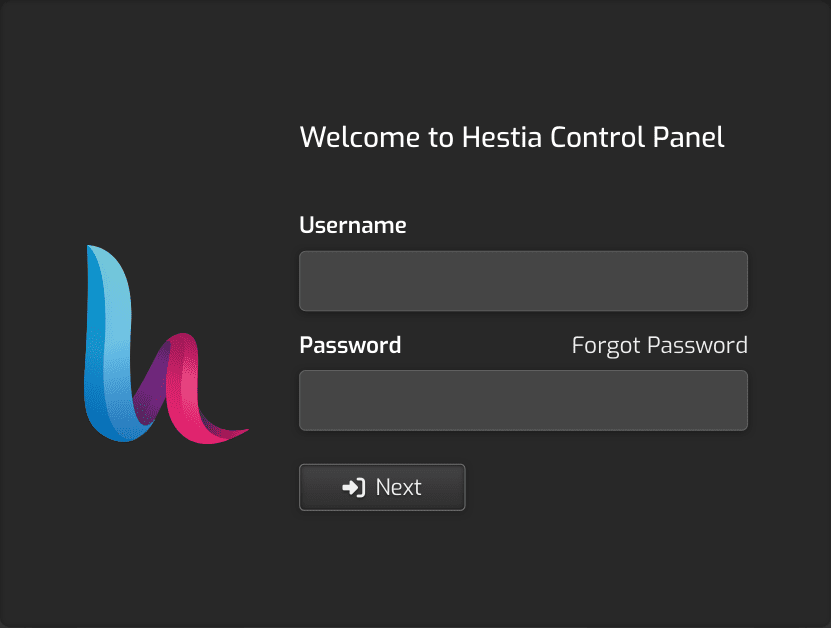
I recently installed HestiaCP on a freshly provisioned Ubuntu 22.04 VPS. The installation was successful and everything seems to be working well except one small problem: I can’t log into HestiaCP at https://hestia.mydomain.com:2083/login/. The login page takes my credentials and refreshes without any error message. I’m able to login at https://ipaddress:2083/login/.
Please refrain from using real domains that aren’t yours. There are reserved domains like example.com expressly set aside for such purposes.
I have encountered what you describe, but not on any instance that I have behind Cloudflare. Unfortunately too much time has elapsed and I don’t recall what was responsible.
Thank you, I will use reserved domains in future. I should have checked the server logs before posting here. I see a bunch of logs about “banned IP address”. Guess fail2ban or something else is blocking some Cloudflare IP addresses. I’ll look further into this.
You’re right, I see the cloudflare.inc file with Cloudflare IP addresses.
Initially I couldn’t connect to hestia.example.com:2083 because Cloudflare SSL was set to Full (strict), which means Cloudflare will look for a valid certificate at origin to connect successfully. The issue was resolved when I changed it to Full (Cloudflare will connect to any certificate, including self-signed).
I have provisioned a Let’s Encrypt certificate for hestia.example.com but that doesn’t seem to cover hestia.example.com:2083, which continues to use the self-signed certificate generated during HestiaCP’s installation. If I bypass Cloudflare, Firefox doesn’t load hestia.example.com:2083 due to invalid certificate (but it gives me an option to load ipaddress:2083…).
I looked into the /var/log/hestia/auth.log and /var/log/hestia/error.log files, but not really sure what the issue is.
I get this error on running v-add-letsencrypt-host:
Error: WEB_DOMAINS limit is reached :: upgrade user package
Error: web domain vmuserXXXX127.0.0.1 doesn’t exist
I installed HestiaCP with this command:
bash hst-install.sh --port 2083 --hostname hestia.example.com --email [email protected] --password XXXXXXXX --apache no --vsftpd no --named no --exim no --dovecot no --spamassassin no --clamav no
Please ignore the above comment. I removed an entry for vmuserXXXX127.0.0.1 from /etc/hosts and was able to get a Let’s Encrypt certificate through the command v-add-letsencrypt-host. I’m still not able to login at https://hestia.example.com:2083, though. The form just refreshes without any feedback.