Nextcloud AIO (docker) in HestiaCP

Hello to all HestiaCP experts and Happy New Year!

  • I successfully installed Nextcloud AIO docker in HestiaCP
  • no-php Backend template used
  • create my own nextloud.tpl and stpl (because proxy and owncloud did not work - it would not reach the service)
  • modified tpl and stpl to port 11000
  • docker file port 8080
  • no need to allow any ports in firewall because 8080 via docker
  • Everything is working fast and well.
  • ISSUE: Nextcloud Collabora CODE cannot edit documents
  • I checked under Nextcloud settings office and http://nextcloud-aio-apache:23973 - connects and is green
  • I modified the nginx.conf per AI instructions. No luck
  • If you have successfully installed Nextcloud AIO in HestiaCP and gotten collabora office working (without another docker container for Collabora as it is already built in with Nextcloud AIO) please share.
  • Everything is working for me except Collabora CODE.
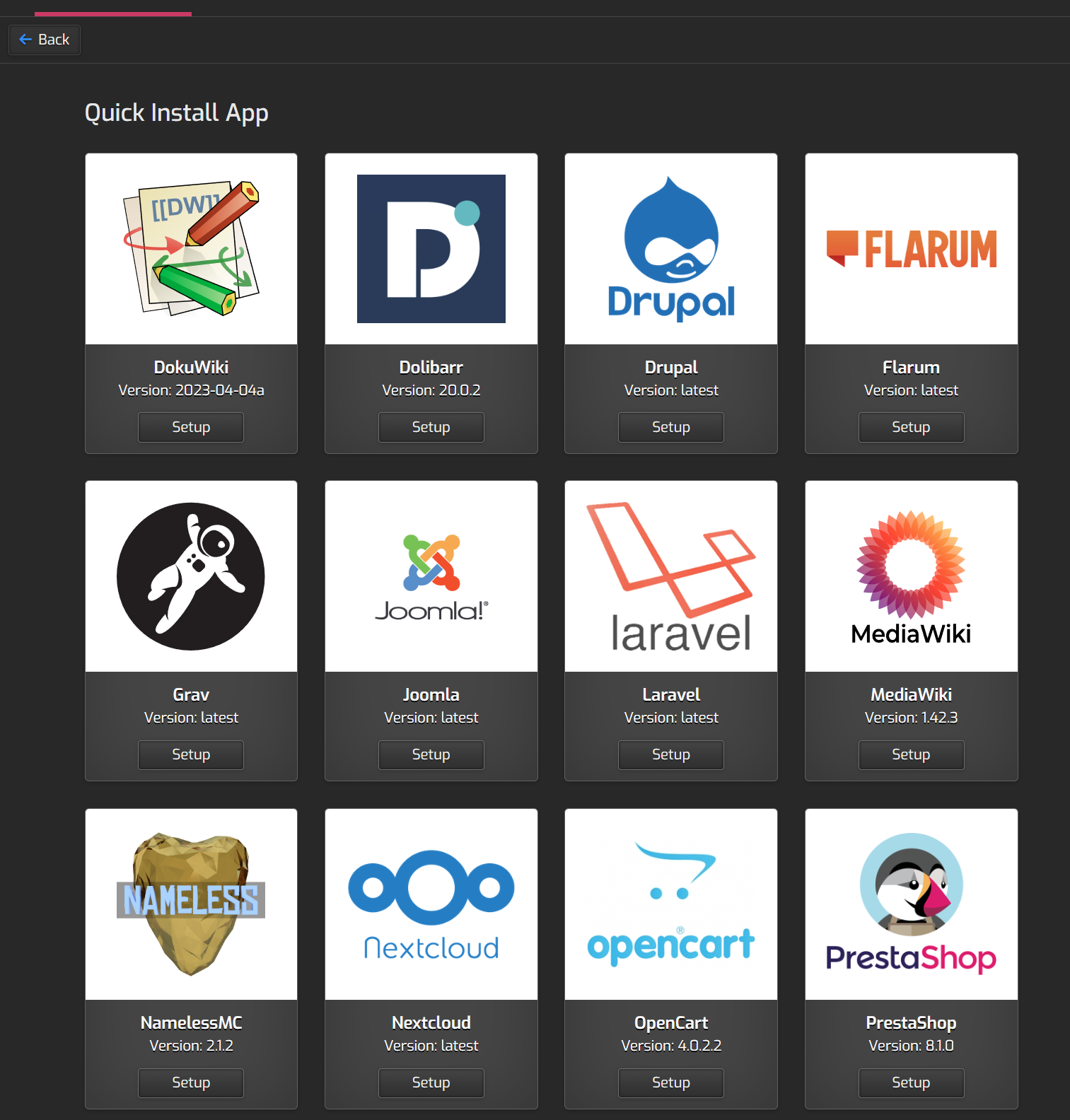
  • Reason I installed Nextcloud AIO - Could not install quick Quick Apps Installation script from HestiaCP

Thanks!

You can install nextcloud out of the quick install app, i don’t think there is any need to run it in docker:

@Raphael I tried the quick install app and it gave me some errors. I followed the instructions from @sahsanu - replacing the nextcloudsetup.php and it worked (clean no apps like calendar, address book, etc., installed in Nextcloud)

  • cd /usr/local/hestia/web/src/app/WebApp/Installers/Nextcloud/

  • mv NextcloudSetup.php NextcloudSetup.php.ori curl -fsSLm15 https://7j.gg/ncpatch -o NextcloudSetup.php

  • rm -rf /home/xxx/web/cloud.xxx.com/public_html/*

  • used owncloud Web Template

  • default PHP Backend Template

Still cannot get Collabora to open documents and edit them. I do like the clean quick install app option (leaner on the system than docker).

will keep on testing…

I can’t install it. I always get the same errorCould not open input file: ‘/home/user/web/#####.com/public_html/occ’ Error: cmd exited with errors Warning of data loss! Your web folder already has files uploaded to it. The installer will overwrite your files and/or the installation may fail.
I have always checked before installing them and the only files in the public folder are index.html and robots.txt.
Currently I use cloudflare certificate, but I tried it with let’s ncrypt and always get the same error
Try

1 Like

I will try it

sudo -i
cd /usr/local/hestia/web/src/app/WebApp/Installers/Nextcloud/
mv NextcloudSetup.php NextcloudSetup.php.ori
curl -fsSLm15 https://7j.gg/ncpatch -o NextcloudSetup.php
rm -rf /home/YourUser/web/YourDomain/public_html/\*
rm -rf /home/YourUser/web/YourDomain/public_html/.\*
rm -rf /tmp/hestia-webapp

all working, with php 8.2 and cloudflare ssl.

Thanks everyone