Hi,
I wanted to restrict access to phpMyAdmin in HestiaCP.
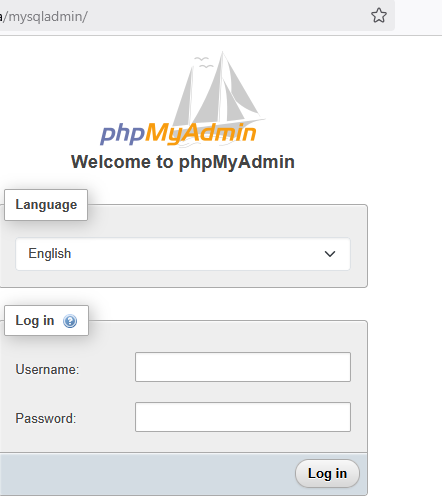
І also changed the phpMyAdmin alias in Server → Settings → Configure → Databases → phpMyAdmin Alias.
Now /phpmyadmin/ is blocked as expected, but the new alias I set in the panel also doesn’t work - it returns 404 or just doesn’t load at all.
I am on Nginx standalone (no Apache).
Is there anything else I need to edit so the new alias works?
I assume you haven’t manually modified phpmyadmin.inc.
The alias is different in the output you showed (mysqladmin vs newalias). I don’t know whether you forgot to replace it to hide the actual alias or if it’s really a misconfiguration.
What does the error log say? The error log should be here: /var/log/nginx/error.log or /var/log/nginx/domains/YourDomain.error.log.
I’m leaving now, so I won’t be able to answer until this evening.
And yes - I tried to hide the real alias in my previous message, but didn’t do it very well
I checked /var/log/nginx/domains/***.error.log and found this entry:
025/08/10 11:57:38 [crit] 2625#2625: *1 connect() to unix:/run/php/www.sock failed (2: No such file or directory) while connecting to upstream, client: 192.168.10.21, server: xxxxx, request: “GET /mysqladmin/ HTTP/2.0”, upstream: “fastcgi://unix:/run/php/www.sock:”, host: “xxxxx”