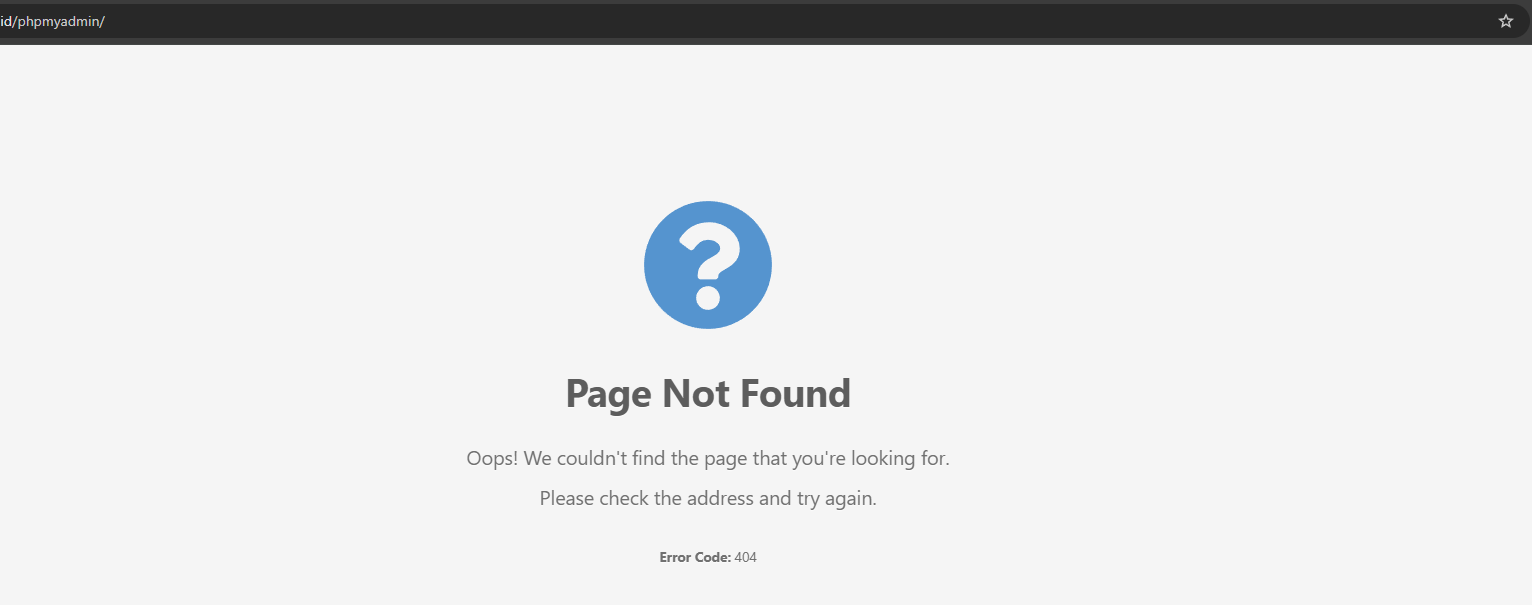
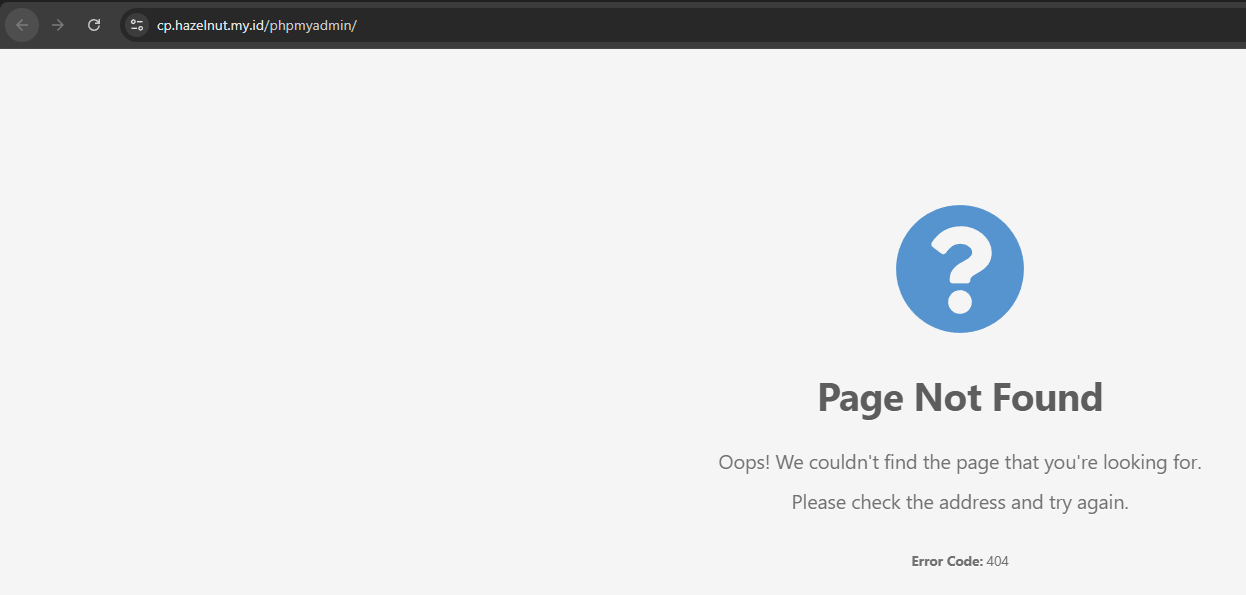
I installed Hestia on Debian 12 yesterday and everything is running fine except phpMyAdmin. The Hestia panel loads normally through my Cloudflare Argo Tunnel, but phpMyAdmin just refuses to open.
Whenever I try to access it through 10.20.0.192 on port 8083, or even directly on port 80, it always returns a “Page Not Found, Error Code: 404”.
I’m using Cloudflare Argo Tunnel (free tier, no credit card), and I disabled Hestia’s built-in SSL since I’m handling SSL externally. The setup is clean and untouched.
What confuses me is that the Hestia control panel works perfectly with this exact setup, but phpMyAdmin simply won’t load at all. I’ve checked multiple forum threads but none of the suggested fixes worked.
Is there something specific that stops phpMyAdmin from loading behind Cloudflare Tunnel?
For context, I’m using Nginx to serve cp.mydomain.com