Have a nice day, colleagues!
I’m asking for help, maybe someone knows of a similar situation.
After updating Ubuntu 22.04,
apt upgrade
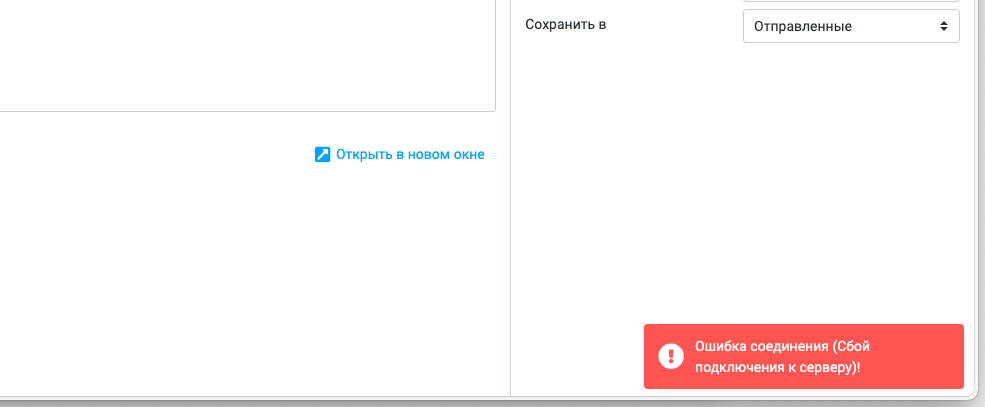
I’m experiencing server connection failures when sending emails.
[13-Oct-2025 15:53:48 +0300]: PHP Error: Invalid response code received from server (POST /?_task=mail&_unlock=loading1760359968325&_framed=1&_action=send) [13-Oct-2025 15:54:48 +0300]: PHP Error: Invalid response code received from server (POST /?_task=mail&_unlock=loading1760359968325&_framed=1&_action=send) [13-Oct-2025 15:54:48 +0300]: SMTP Error: Failed to send data. [-1] in /var/lib/roundcube/program/lib/Roundcube/rcube.php on line 1799 (POST /?_task=mail&_unlock=loading1760359968325&_framed=1&_action=send) [13-Oct-2025 15:54:49 +0300]: PHP Error: Invalid response code received from server (POST /?_task=mail&_unlock=loading1760359968325&_framed=1&_action=send)
StartlS certificate verification returns a self-signed certificate
In the HestiaСP settings for the mail domain, “Enable SSL for this domain” is specified.
openssl s_client -connect ``mail.domain.ru:587`` -starttls smtp CONNECTED(00000003) depth=0 C = RU, O = Salenames, OU = IT, L = Moscow, ST = Russia, CN = imail.sn.ru verify error:num=18:self-signed certificate verify return:1 depth=0 C = RU, O = Salenames, OU = IT, L = Moscow, ST = Russia, CN = imail.sn.ru verify return:1
Dear colleagues, I’m asking for advice. I’m having trouble sending letters.
Please accept my sincere gratitude!
It was so simple, and I’d almost lost faith in my abilities, but you helped me so quickly and reliably! And now everything works!
Thank you, dear friend!
I’ll be a little sincere, as I’ve already completed the Ubuntu 20.04 22.04 update, and that was a guarantee that this was definitely not the problem.
Since it was done during the Ubuntu update,
And on this note, let me wish you the very best in your life and success!
Last week there was an update, off-topic, on a different server.
Ubuntu update 22.04 to 24.04
All sites returned Error 500, while the HCP backend was working fine.
Apache crashed because port 80 was busy with NGINX.
So all I managed to do was install a new version of 2404 and HCP.
As it later turned out, something had happened to the deb.sury.org repository with the configs in the packages during the update.
Please provide a step-by-step guide on which repositories need to be added before the 2204 update to ensure 2404 works correctly.
It looks like the upgrade prompted you to replace the current Apache2 configuration files, and you either accepted it or the upgrade did it automatically.
If you’re using Ubuntu, you’re not using deb.sury.org (or at least you shouldn’t be, since Hestia doesn’t use it for Ubuntu). You should be using the Sury PPA instead. I mention this because, for example, the deb.sury.org repository is blocking Russian IPs, whereas the PPA is not.
These are the two sury related repositories you should have on Ubuntu 22.04. To make them work on 24.04, simply replace jammy with noble.
/etc/apt/sources.list.d/apache2.list
deb http://ppa.launchpad.net/ondrej/apache2/ubuntu jammy main