Webmail not working after upgrade to 1.10

Error message is
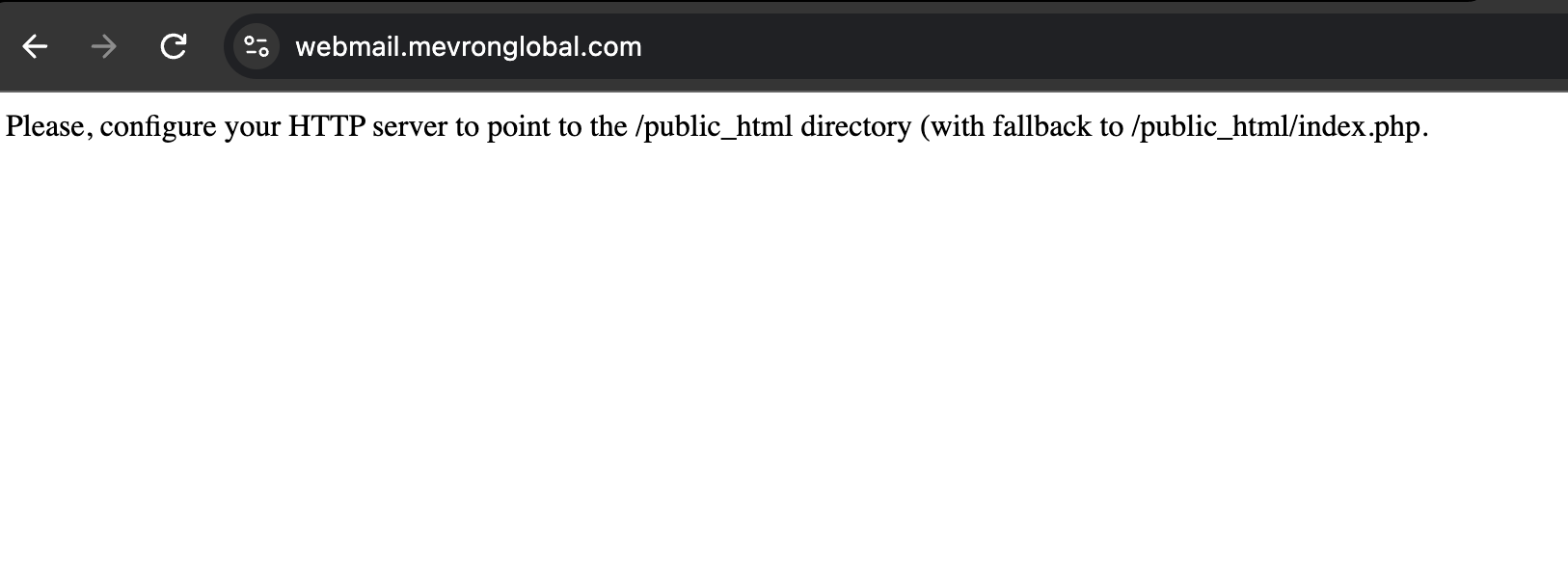
Please, configure your HTTP server to point to the /public_html directory (with fallback to /public_html/index.php.

Seems the fix is to run
v-add-mail-domain-webmail user domain.com
Or you could change the webmail eg from roundcube to snappymail and back in the GUI.

The script provided last time this happened doesn’t seem to be working, as it checks versions, which are now out of date.

Futher fun. On one server (out of several), php8.3-fpm failed to restart after the upgrade giving a 503 error with webmail. No clues in log files, systemctl status, journalctl, or php8.3-fpm -tt
Fixed this problem by installing php8.4 systemwide and making it the default system php version. Now all working.

Still can’t figure out why php 8.3 (only) is failing. Tried uninstalling it and reinstalling, but it still fails to start.

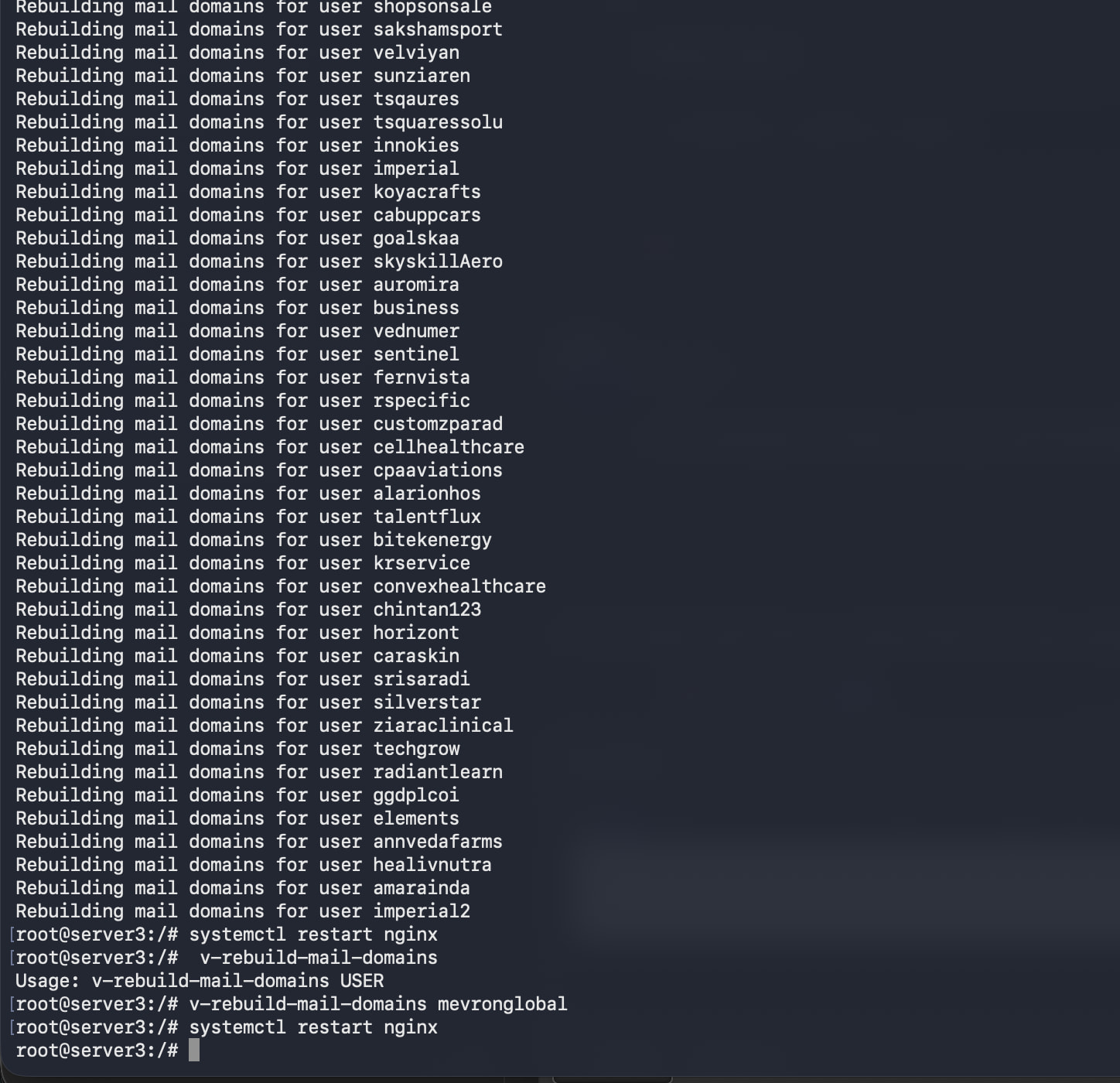
v-rebuild-mail-domains for each of you users with webmail

for i in $(v-list-users plain | cut -f1); do echo "Rebuilding mail domains for user $i"; v-rebuild-mail-domains "$i" yes; done
systemctl restart nginx apache2

Thank you for your reply! Now when I am visit webmail I have the following message: Please, configure your HTTP server to point to the /public_html directory (with fallback to /public_html/index.php.. Hestia Control Panel v1.10.1 Operating System Debian 12.9 (x86_64). Any suggestions?

Restart nginx:

systemctl restart nginx

not working even after running mail rebuild command for all users and restarting nginx.

Not working even after executing the above command.

v-rebuild-mail-domains for each of you users with webmail

for i in $(v-list-users plain | cut -f1); do echo "Rebuilding mail domains for user $i"; v-rebuild-mail-domains "$i" yes; done
systemctl restart nginx

And restarting apache2?

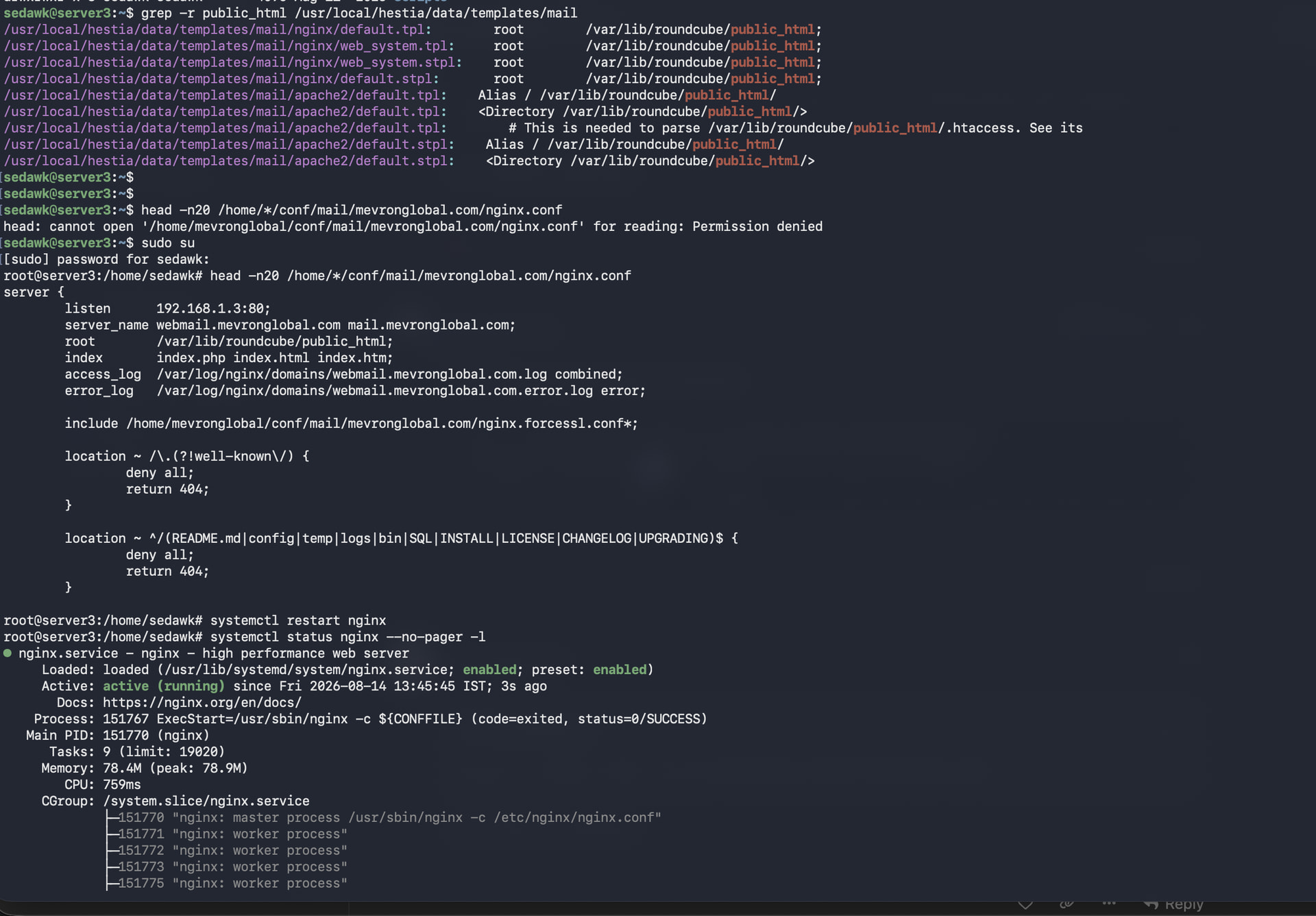
Show the output of these commands:

grep -r public_html /usr/local/hestia/data/templates/mail
head -n20 /home/*/conf/mail/mevronglobal.com/nginx.conf
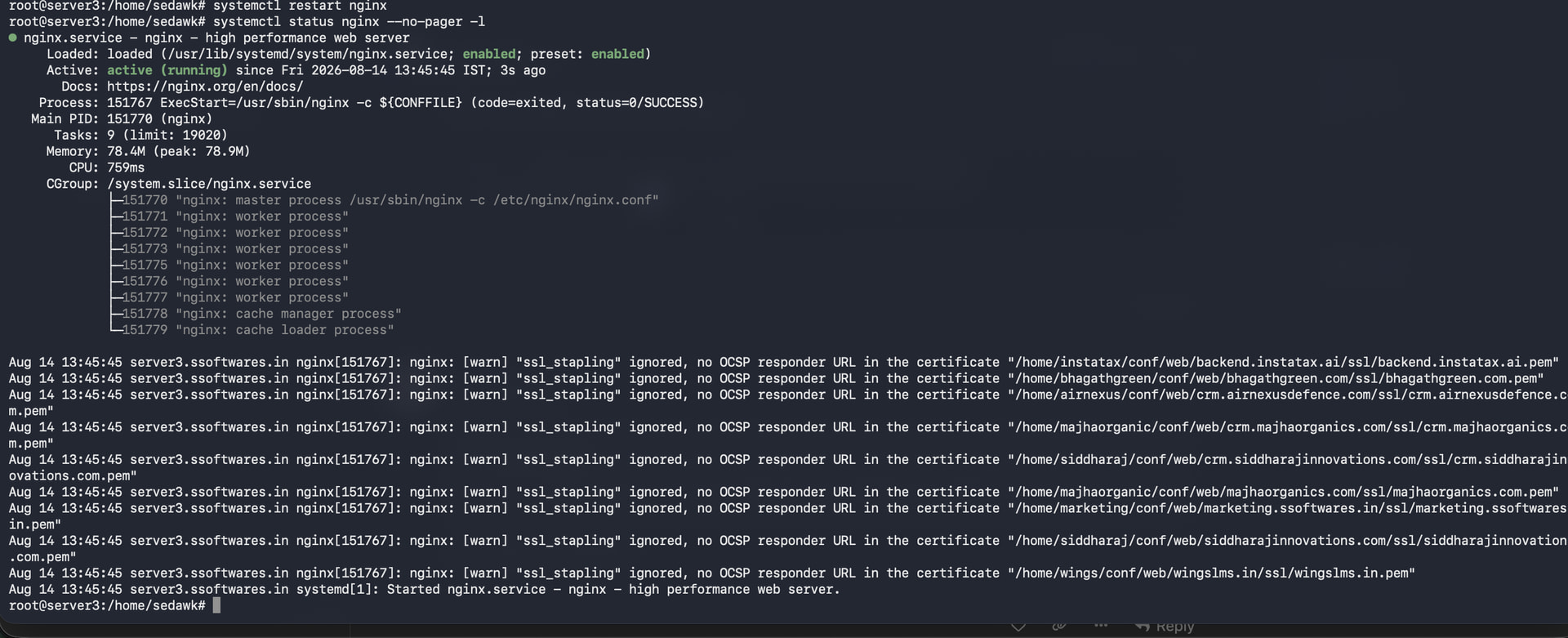
systemctl restart nginx
systemctl status nginx --no-pager -l

but it fails in all domains

Oops… something went wrong!

An internal error has occurred. Your request cannot be processed at this time.

For administrators: Please check the application and/or server error logs for more information.

@sahsanu plz check

After 1.10.1 upgrade only my vps with ubuntu 24.04 have the problem and was solved with Eris solution.

ok so it started working after I restarted apache2 manually. I ran eris command that should also have restarted apache2, but manual restart did it.

I can solved this issue over another way.

My specs: Ubuntu 24, Apache is default web service.

I just changed manually in file /etc/apache2/conf.d/domains (need choose your mail domain with ssl and without ssl configuration) one string ===>
Alias / /var/lib/roundcube/public_html/

Then restart Apache2

After that I saw “webmail” in main preference need to change to your exist name of your mail server, where placed Hestia,
After all of that Roundcube became to works fine.

You shouldn’t do that. The mail templates already contain the correct conf witht the right Alias.

Just rebuild the mail domains and restart nginx and apache2.

This solution worked for me on the first try.

This solution worked for me on the first try.

Hello. Something else here… After

but doesn’t work, so I do a
apt-update
v-update-sys-hestia-all
systemcrtl reboot

Now say:

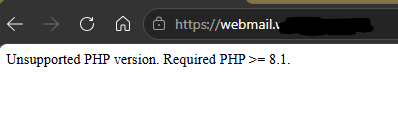
Unsupported PHP version. Required PHP >= 8.1.

But I don’t have it

Again a

for i in $(v-list-users plain | cut -f1); do echo "Rebuilding mail domains for user $i"; v-rebuild-mail-domains "$i" yes; done
systemctl restart nginx

but continue with Unsupported PHP version. Required PHP >= 8.1.

Any ideas on how I can proceed?